Easy PWA Deployment - Intune
- Florian Salzmann
- Posted on 04 May, 2022
- Updated on 12 Jul, 2026
- 02 Mins read
- Microsoft Intune
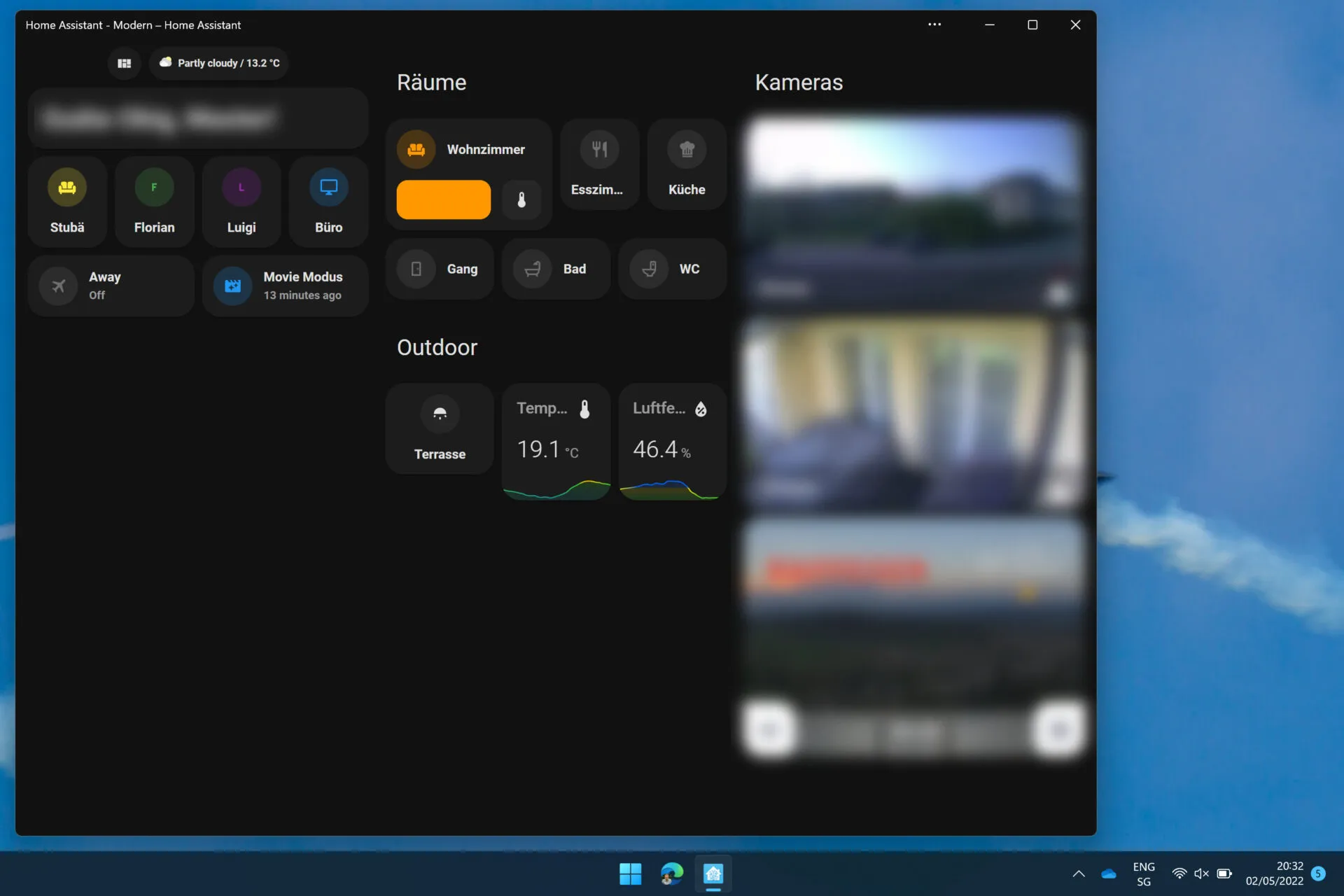
A PWA (Progressive Web App) can be useful to have a website prominently and quickly accessible as a “program”. This works seamlessly with most of the major web applications nowadays. You can realize a PWA deployment very easily with Intune. I used this for the first time to make the Smart Home Dashboard from Home Assistant easily accessible for my family. Other use cases can be the distribution of a SaaS CRM, ERP application, or time tracking, for example.
Intune Policy - PWA with Edge
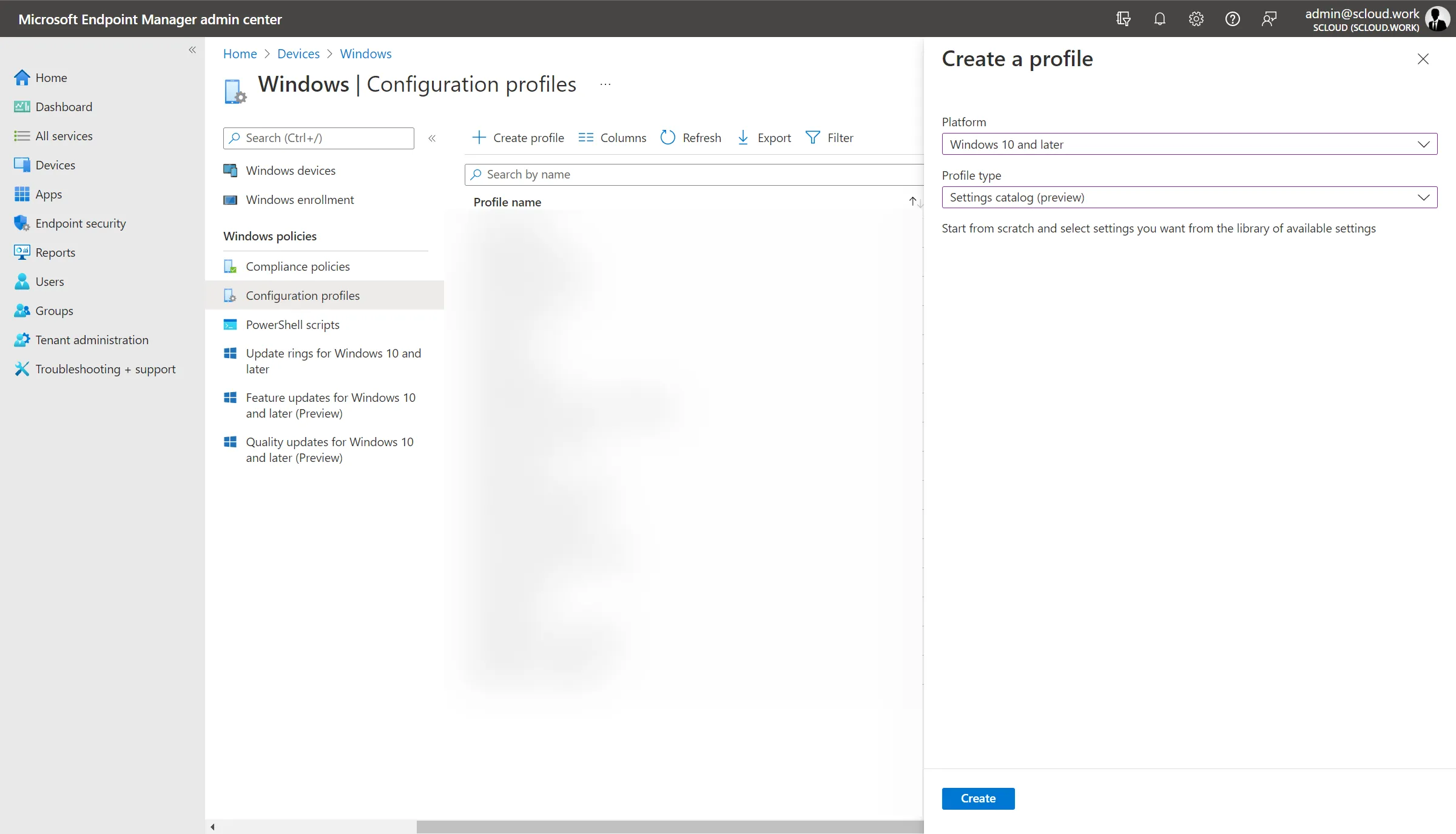
The policy (also possible as a classic GPO) is one from the “Settings catalog”. You create one under “Devices > Windows > Configuration profiles” + Create profile.
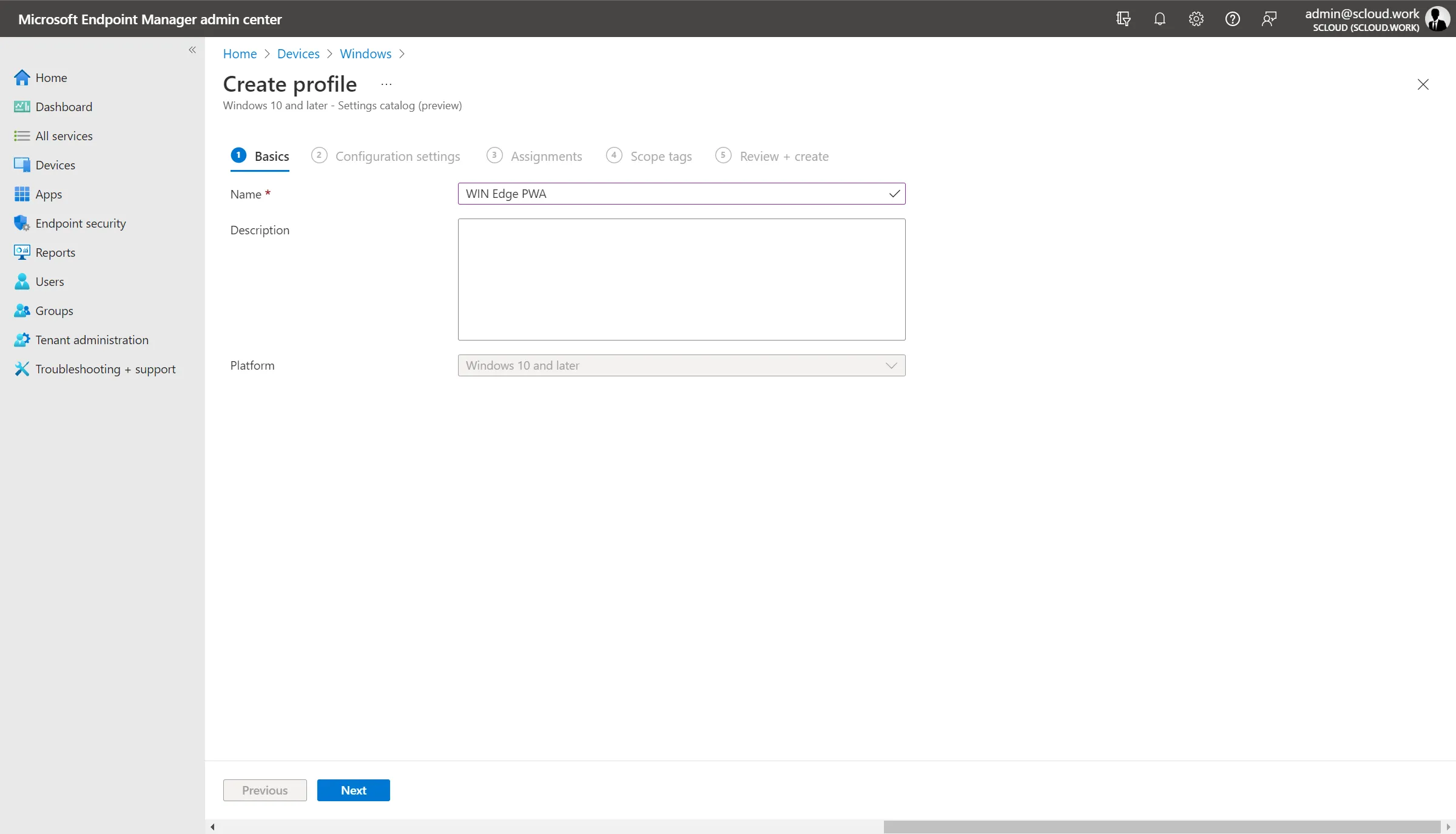
You then give the profile a meaningful name, best according to your company’s naming convention.
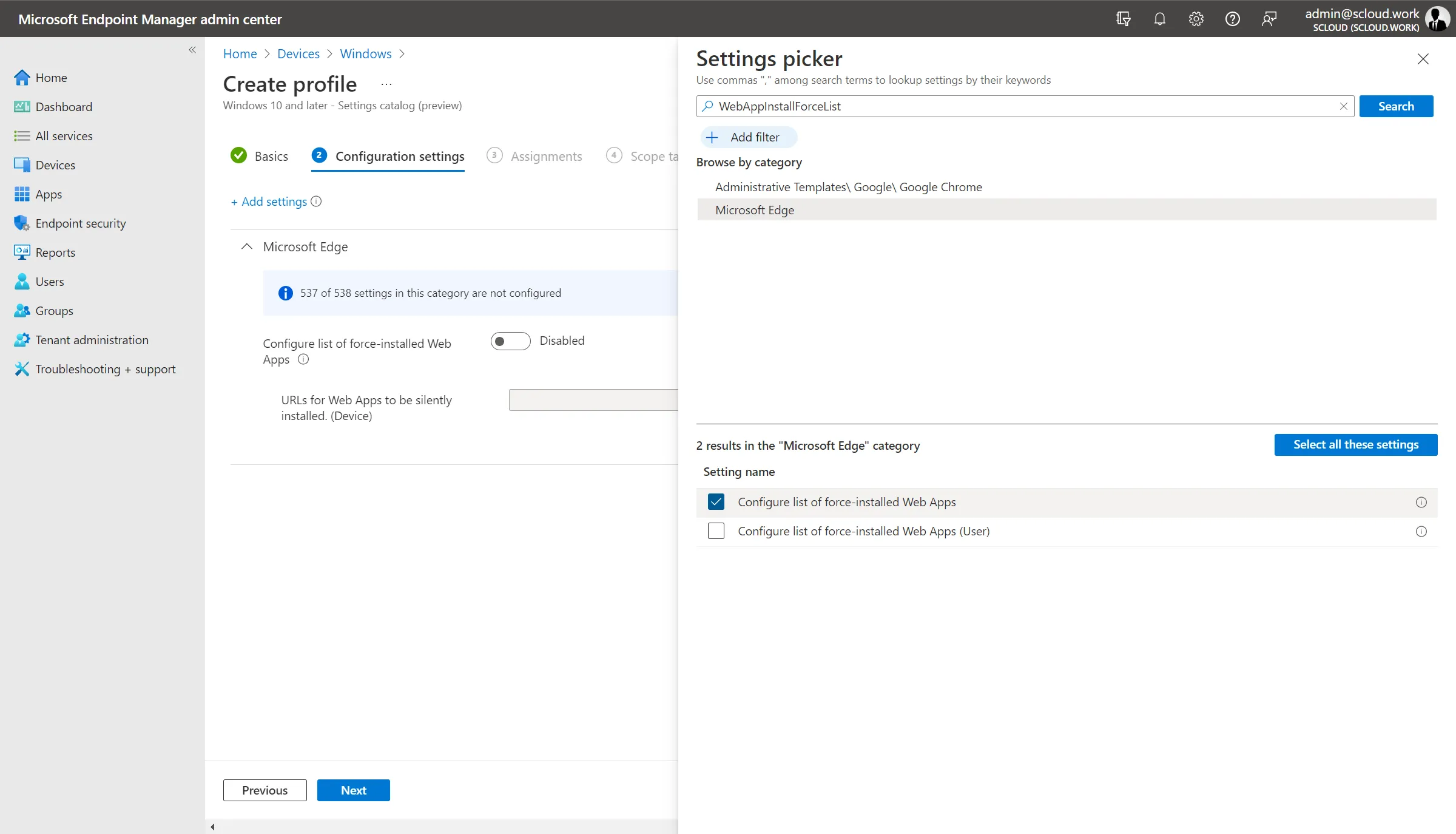
You’ll find the policy fastest with the search term “WebAppInstallForceList”. Then click on “Microsoft Edge” and enable the device-specific policy.
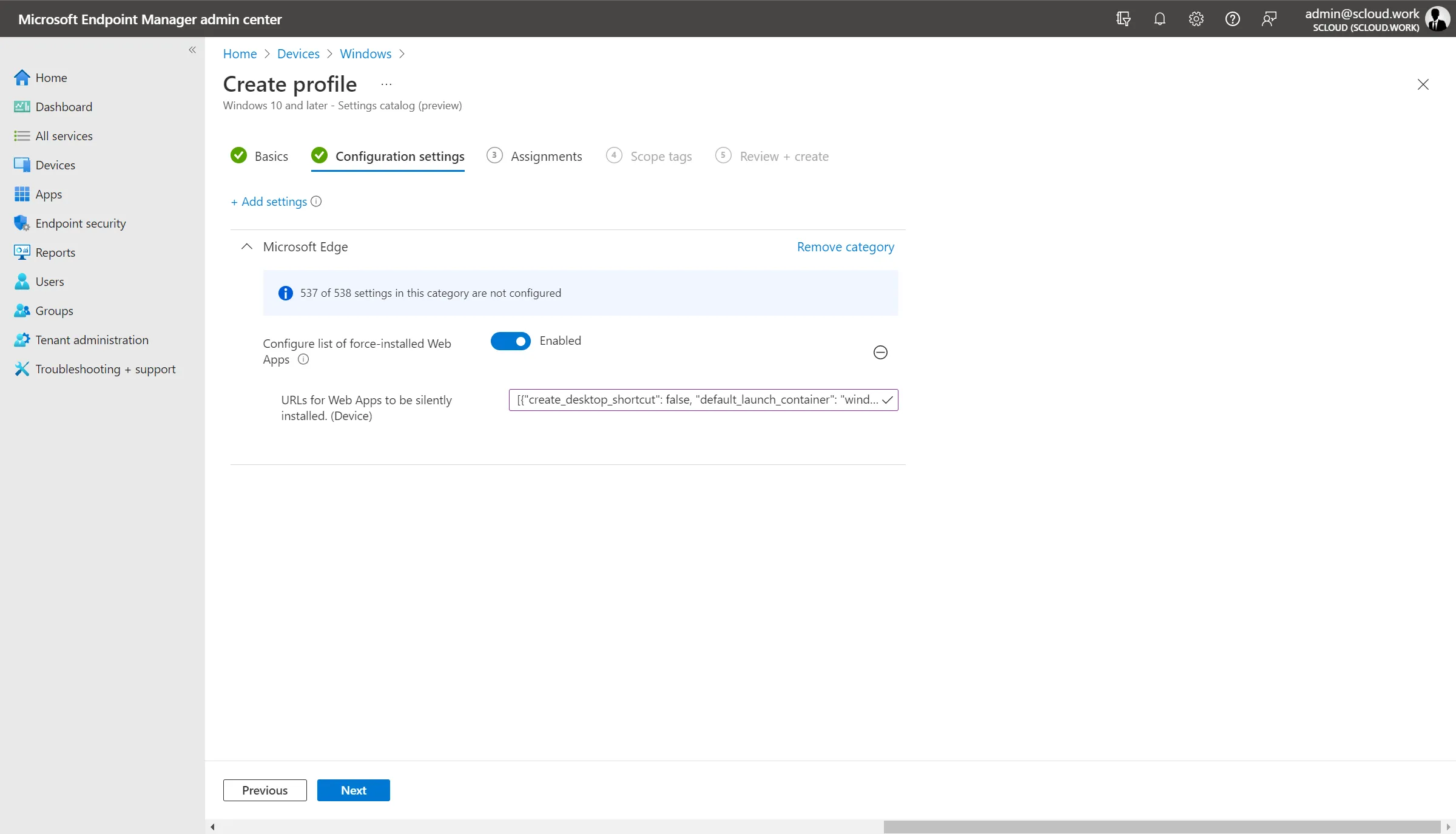
The policy value consists of a JSON.
From my point of view, four parameters can make sense here. (Edge currently doesn’t support a user-specific icon yet.)
- custom_name (if not specified, the website name is used)
- create_desktop_shortcut (true/false)
- default_launch_container (window/tab)
- url (the desired website)
Here are two examples:
[
  {
    "custom_name": "Home",
    "create_desktop_shortcut": true,
    "default_launch_container": "window",
    "url": "https://yournabucasaurl.ui.nabu.casa/"
  },
  {
    "default_launch_container": "tab",
    "url": "https://scloud.work"
  }
]
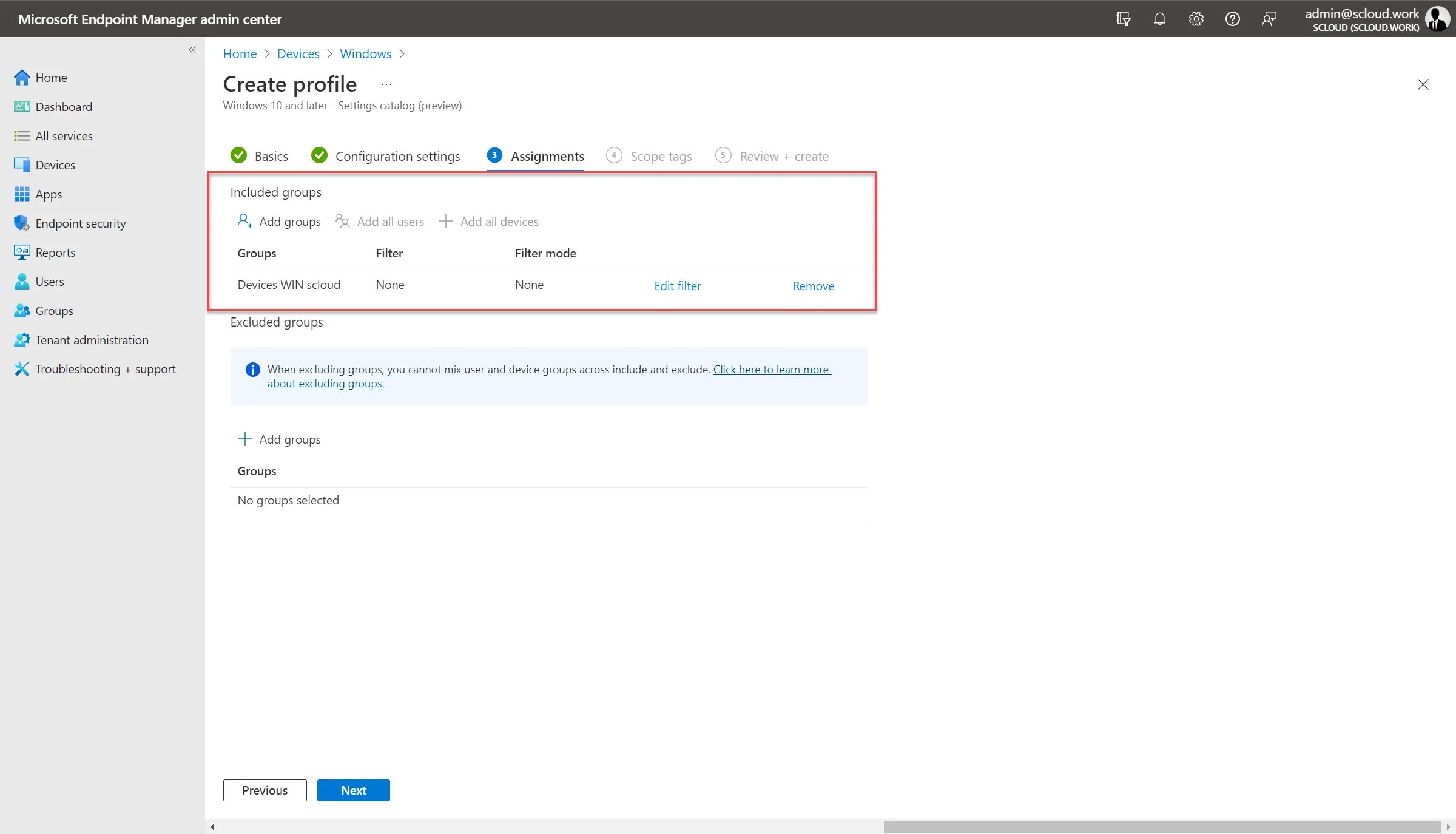
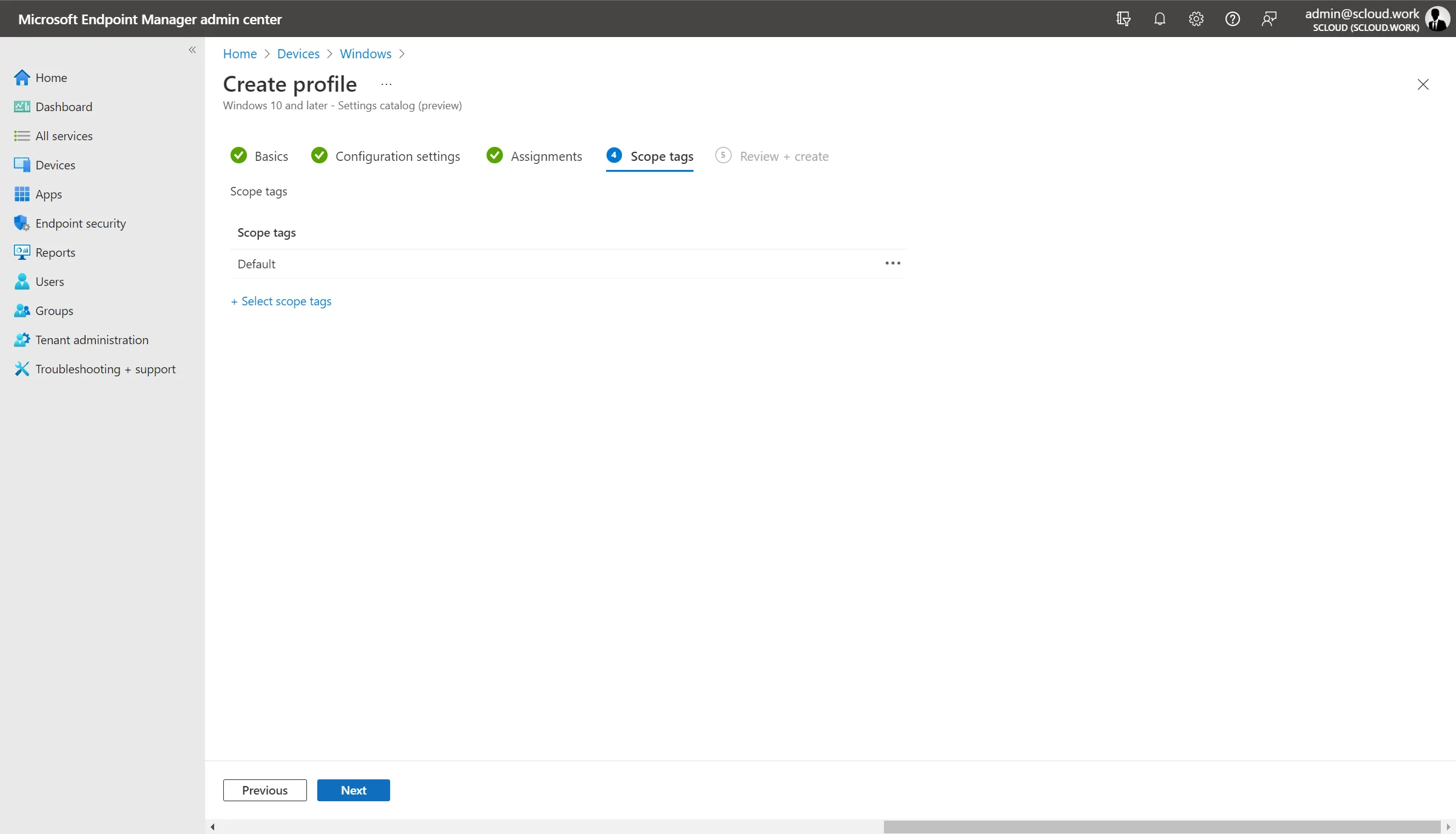
Once you’re happy with your configuration, you can assign it to a group for installation and, if necessary in your environment, set the scope tag(s) (not necessary in my example).
User Experience
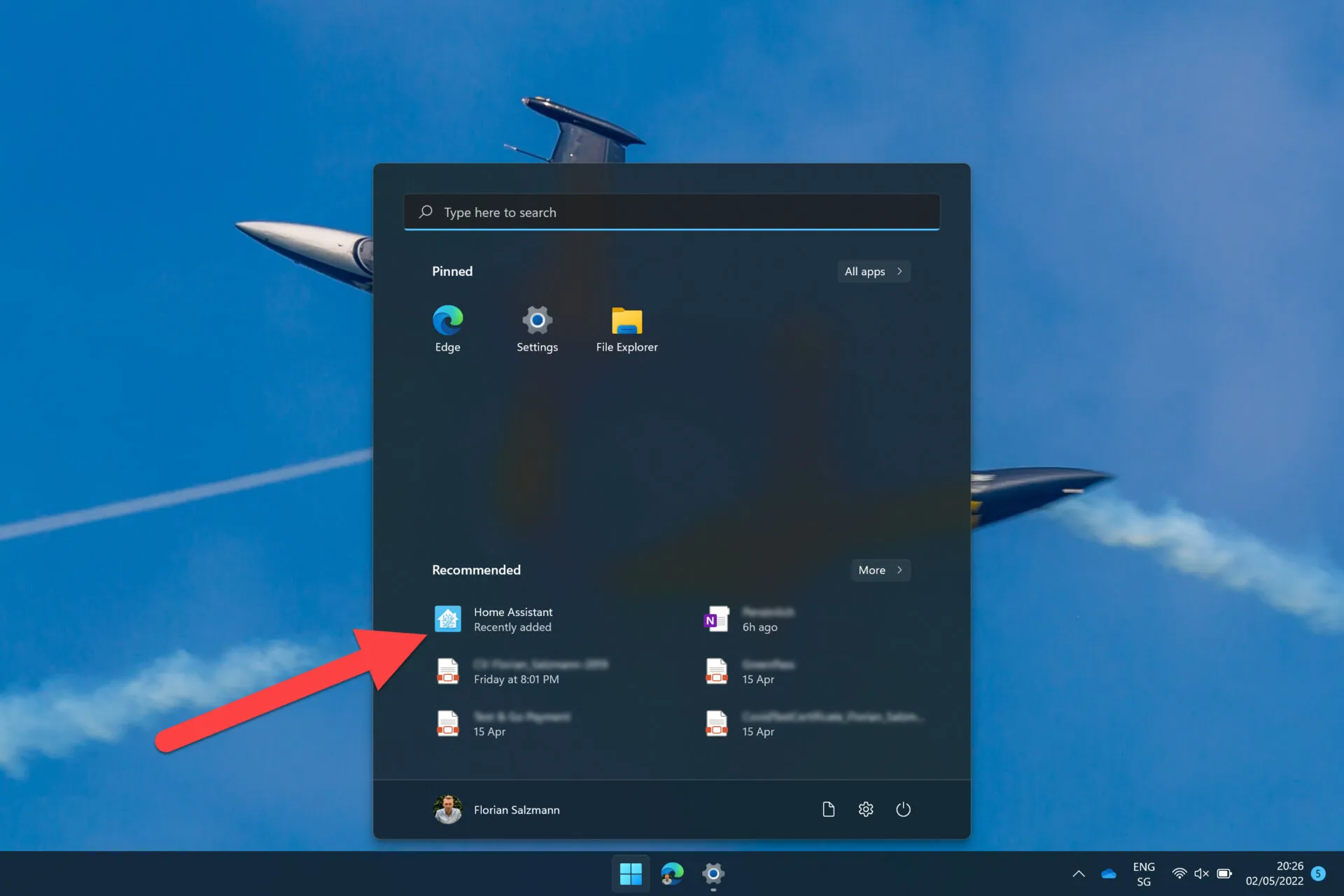
Through the deployment of the PWA with Intune, the app appears in the installed programs on the target device and is therefore also visible / suggested in the start menu.
When the end user now opens the PWA, the browser window is started as its own application and is also visible in the taskbar like a standalone program.