Shared Printer with Intune
- Florian Salzmann
- Posted on 23 Mar, 2022
- Updated on 12 Jul, 2026
- 02 Mins read
- Microsoft Intune,PowerShell
Microsoft offers us with Universal print a new modern way of managing and distributing printers. However, universal print is not the optimal solution in every scenario, especially when multifunction devices have special functions such as cost centers or special user interfaces, the range of functions is not sufficient. In such cases, the classic releasing printer in the network via print server has proven its worth. In the Intune policies themselves there is an option to distribute shared printer, but from my experience this policy does not work reliably enough. That’s why I created a script that connects the printers when a user logs in and when there is a network change.
Requirements
- Printers are shared on a print server (AD Join) in the network
- The print server can be reached via FQDN
- The user is synchronized with the on-premises Active Directory
Since “Print Nightmare” the deployment of shared Printers can fail.
Mor info and which settings you need to change you’ll find here: Point and Print & Intune | scloud
PowerShell Script
Preparation
In the script itself you have to specify the print server and the printers to be connected. You also have the option of removing existing printers.
| Variabel | Inhalt |
|---|---|
| $Prt_Server Linie 8 | FQDN address of your print server |
| $Prt_Shares Linie 9 | Share names of your printers (comma separated and in quotes) |
| $REMOVE_fromServer Linie 10+ | $true = only deletes printers with exact share names $false = deletes the printer if the name is included |
| $Prt_REMOVEs Line 11+ | Optional, only necessary if you want to remove existing printers. |
When running, the script first checks whether the print server can be reached. If this is not the case, the process is terminated to avoid unnecessary processes on the device. However, if the server is recognized, any specified printer that is not already connected will be connected.
Deploy Printers with Intune
You can download the script in the Endpoint Manager under “Devices > Windows > PowerShell scripts” upload and distribute.
You can use the script to ensure that printer shared with Intune are connected.
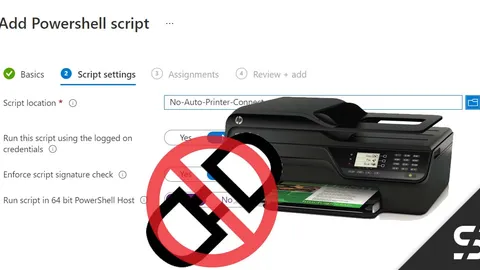
Do you now want Windows not to automatically connect any other printers that are on the network? Then I have an article for you here: Disable Windows “Connect printer automatically” - Intune