Windows Autopilot: Wrong Organization registered (Error 808)
- Florian Salzmann
- Posted on 01 Apr, 2022
- Updated on 28 Aug, 2025
- 02 Mins read
- Microsoft Intune,Windows 10,Windows 11,Windows Autopilot
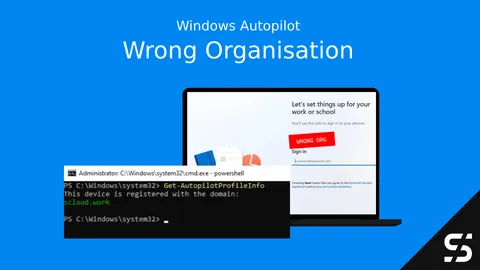
Short answer: Error 808 (ZtdDeviceAssignedToOtherTenant) means the device’s hardware hash is already registered to a different Microsoft 365 / Autopilot tenant than the one you’re trying to enroll it into. You can find out which tenant by checking the local registry for the cached Autopilot profile - no portal access to the other tenant needed.
Do you have a new device or one you used for testing, which is Autopilot registered in the wrong tenant / organization?
Sometimes the logo or welcome text doesn’t give too much information’s about the company.
And this is probably what you see:
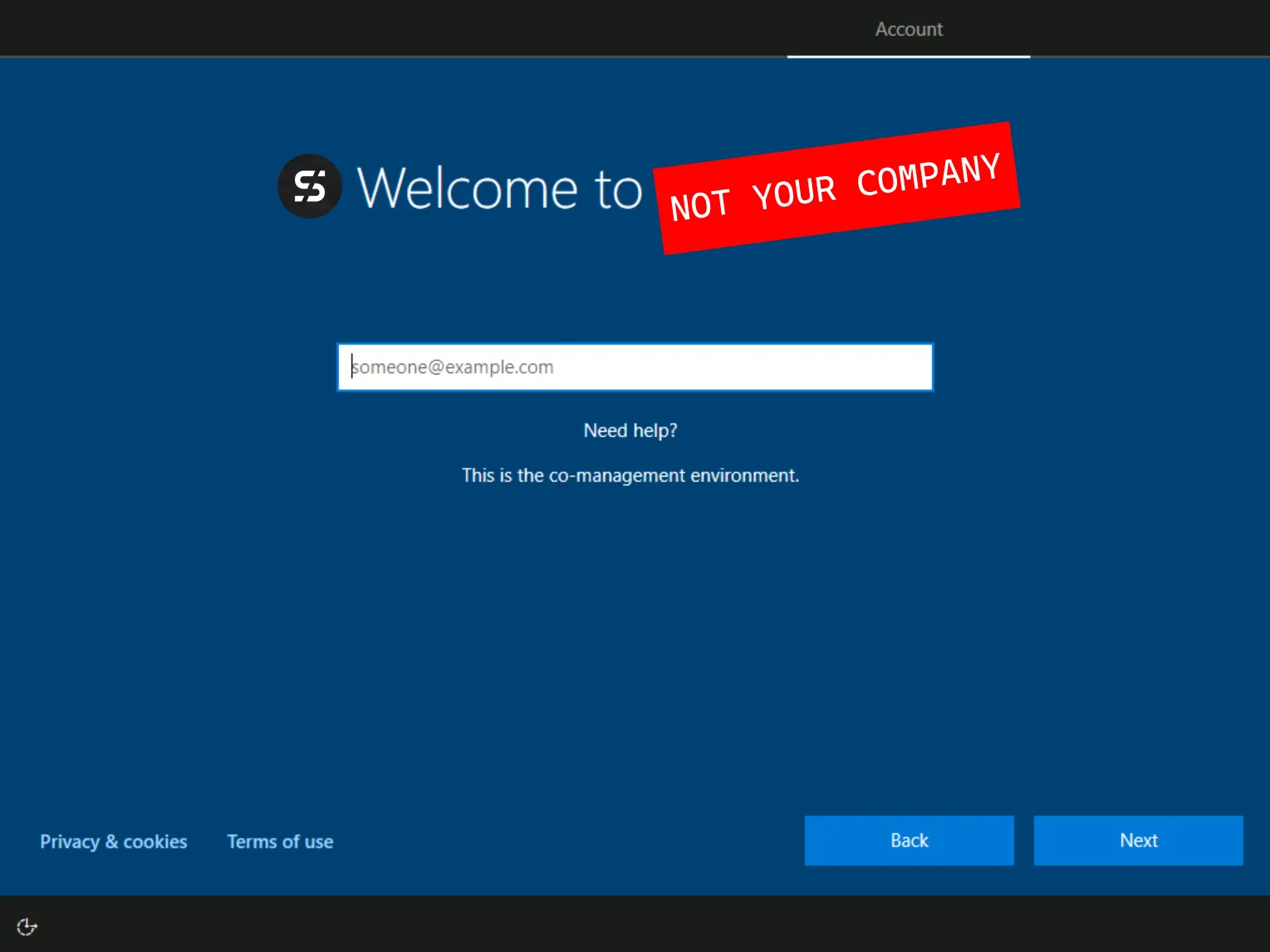
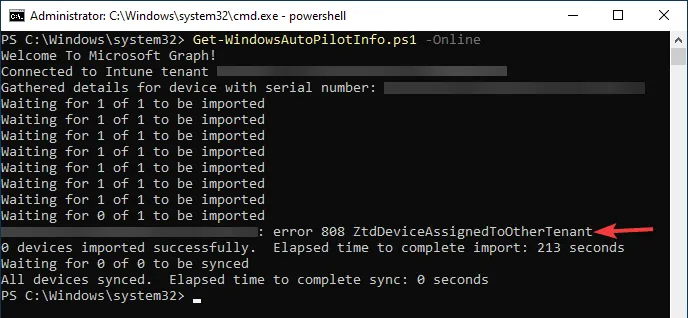
Or you try to upload a Hardware Hash with the “Get-WindowsAutoPilotInfo” script and see the “Error 808 ZtdDeviceAssignedToOtherTenant”
How do I find which tenant an Autopilot device is registered to?
Don’t wanna fight the registry?
Check out my script wich finds the Autopilot Infos for you: Where is my Device Registered? Get-AutopilotProfileInfo | scloud
In the local registry (if a device downloaded the Autopilot profile) you’ll find the Tenant ID, Domain and some more information:
Tenant ID
| Path | HKEY_LOCAL_MACHINE\SOFTWARE\Microsoft\Provisioning\Diagnostics\Autopilot |
| Key | CloudAssignedTenantDomain |
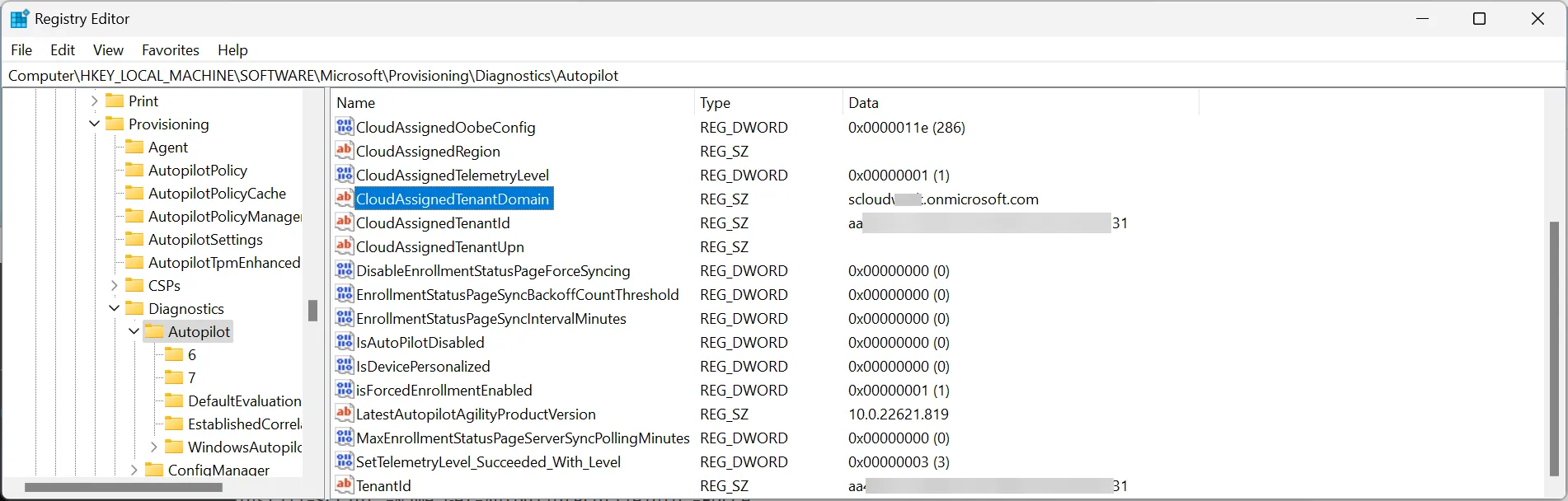
Autopilot Profile Info
| Path | HKEY_LOCAL_MACHINE\SOFTWARE\Microsoft\Provisioning\AutopilotPolicyCache |
| Key | PolicyJsonCache |

Summary
Thats it. So easy you can get your Autopilot Infos in case a device is registered in the wrong organization. Of cores navigating the registry is not always the most comfortable way, but it works (as long as the device was able to fetch the Autopilot profile).
FAQ
What does “Error 808 ZtdDeviceAssignedToOtherTenant” mean?
It means the device is already registered in Windows Autopilot under a different Microsoft 365 tenant than the one you’re currently trying to enroll it into.
How do I remove a device from Autopilot in another tenant?
You’ll need an admin of that other tenant to deregister it, or - if you don’t have access to it - open a support ticket with Microsoft.
Can I find out which tenant without access to that tenant’s portal?
Yes, as long as the device already downloaded its Autopilot profile once: the registry keys shown above (CloudAssignedTenantDomain and the cached PolicyJsonCache) reveal the tenant locally, no portal login required.