
Entra ID
All posts
Protecting Against Device Code Phishing Attacks in Microsoft Entra ID
Learn how to protect your Microsoft Entra ID environment from Device Code Phishing attacks with Conditional Access.
How to Configure Smart Card Authentication in Intune
Set up Smart Card authentication in Intune for secure logins and auto-locking. Step-by-step guide included.
macOS: Google Chrome Single Sign On (SSO) | Entra ID
Acive a sing sign-on (SSO) experience in Google Chrome for your Intune managed macOS devices with Platform SSO.
Entra Join & Platform SSO for macOS with Intune
Configuring Platform SSO (PSSO) with Intune for your macOS devices for a smoother SSO experience and a full Microsoft Entra join.
FIX: Set-AzureADKerberosServer : Failed to connect to domain
Here's how to fix the Error Set-AzureADKerberosServer: Failed to connect to domain error when setting up Cloud Kerberos Trust.
Strictly Enforce Location Policies in Entra ID: A Gift of Secure Access
Secure admin portals with Entra ID Conditional Access 'Strictly Enforcing Location Policies' - protect your admin access from token thefts.
Google Chrome Single Sign On (SSO) | Entra ID
Force-install the Microsoft SSO extension for Chrome (ID ppnbnpeolgkicgegkbkbjmhlideopiji) with Intune, or use Chrome's built-in setting, for Entra ID SSO.
Windows LAPS | Entra ID
Manage and rotate local administrators and their passwords via Entra ID/ Azure AD with Windows LAPS and Intune.
Azure AD Connect - Error: permission-issue 8344
The cause of the "permission-issue" error in Azure AD Connect can have two origins. Either permissions in AD or as an admin.
Conditional Access Device Info / State
Configure Intune for Chrome, Firefox, and Edge so Conditional Access works based on device info and with SSO.
Achieving SSO with Entra ID in Mozilla Firefox
How to configure Mozilla Firefox SSO for Windows / Entra ID / Azure AD users to implement a single sign-on.
How to Easily Retrieve Your Azure AD Connect Version
Easily identify your Microsoft Entra Connect / Azure AD Connect version. Stay up to date for enhanced security and functionality.
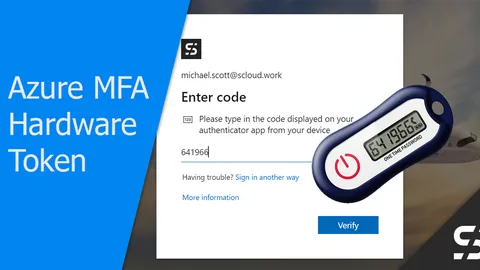
Azure MFA: Return of the Hardware Token (OATH TOTP)
With a hardware token (OATH TOTP), even users without a smartphone or security key can protect themselves with Azure MFA.
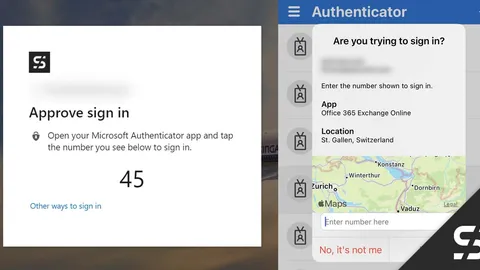
Passwordless with Microsoft Authenticator and Card
With the Microsoft Authenticator, login is realized "passwordless" and the user is presented with a card showing the login location.
Passwordless Deployment with Security Key - Microsoft 365 Entra ID
How new users can be set up passwordless with a security key and Temporary Access Pass (TAP) for Microsoft 365 Entra ID.
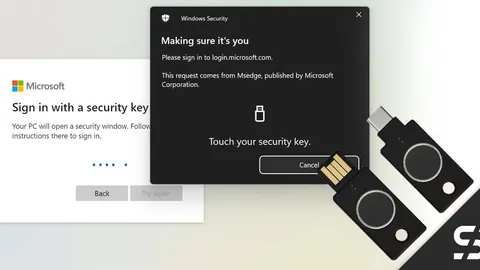
YubiKey Bio - Embrace Passwordless Authentication in Entra ID
Yubikey Bio (FIDO2) for passwordless login to Windows and Microsoft 365 / Entra ID - all with a stick and your own fingerprint.