Manage Office templates with SharePoint and Intune
- Florian Salzmann
- Posted on 30 Jun, 2022
- Updated on 17 Aug, 2023
- 02 Mins read
- Microsoft Intune
It is important for a company that the employees comply with the CI / CD. There are various ways of defining the standard templates in the Office applications. In this article I have put together a collection of how you can manage these Office templates per application with Intune or SharePoint.
Office Standard Templates with Intune
For the standard templates, I have already written a post for each Office application. I distribute these Office templates with Intune, the general ones with SharePoint.
| Program | Anleitung | Template |
|---|---|---|
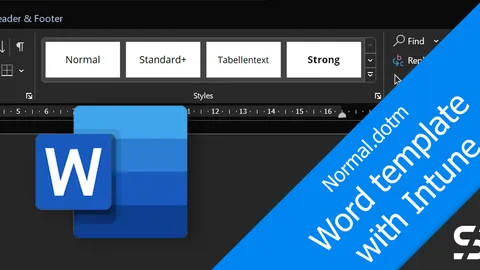
| Word | Word Standard-Vorlage mit Intune | Normal.dotm |
| Excel | Excel Standard-Vorlage mit Intune | Book.xltx / Sheet.xltx |
| PowerPoint | PowerPoint Standard-Vorlage mit Intune | blank.potx |
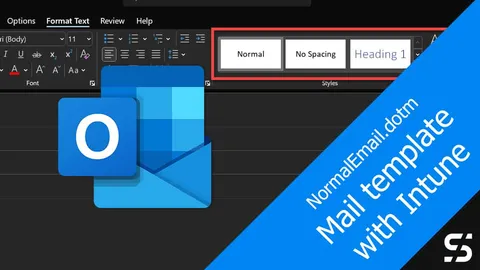
| Outlook | Outlook Standard-Vorlage mit Intune | NormalEmail.dotm + Registry |
Office template centrally on SharePoint
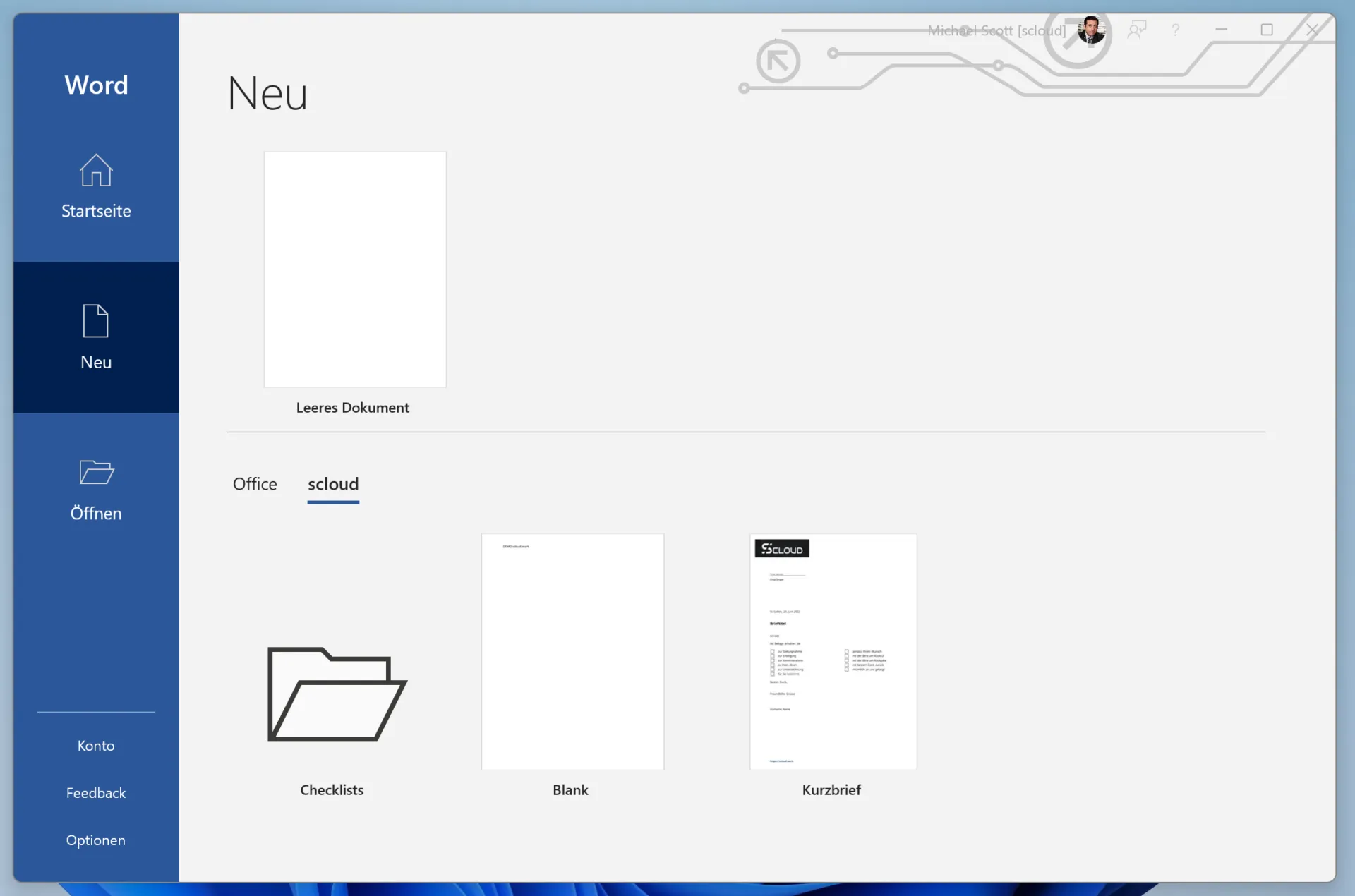
The standard templates may not be sufficient for you. There are also the normal templates for all Office applications. In order not to have to distribute them, but still be able to manage them centrally, there is a feature that can be activated in SharePoint.
This makes it possible to centrally manage templates for letters, documentation or logs, for example.
The template library is a normal document library on SharePoint. What is special is that the read authorization for “Everyone except external users” must be available on it.
After you have entered the library with the appropriate permissions (preferably with a few templates), you can run the PowerShell script below.
By the way, you can also create folders in the library to sort the templates.
IMPORTANT: The template files must have the file extension “.dotm”, “.dotx”, “.xltm”, “.xltx”, “.potm” or “.potx”.
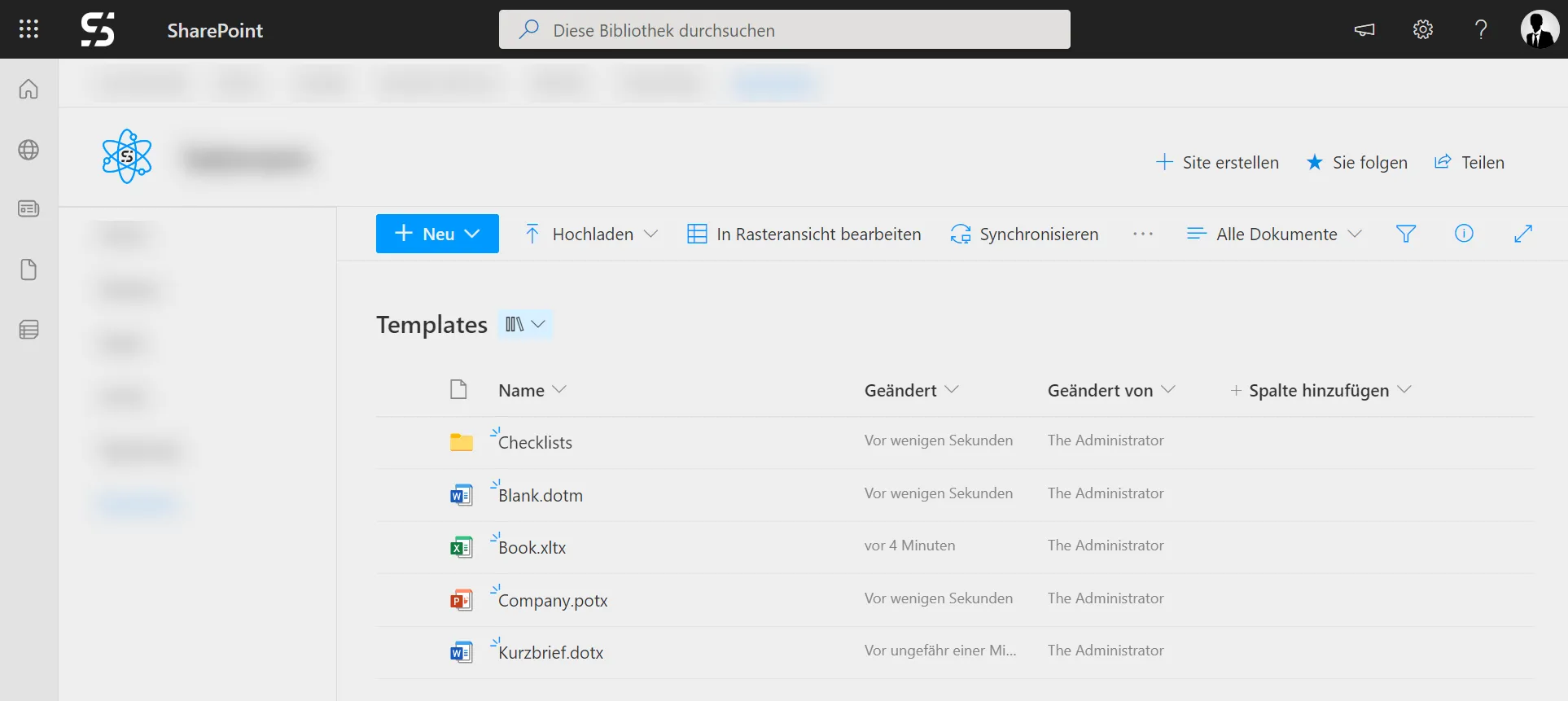
You have to have the PowerShell Module SharePoint module installed on your system to execute the following code.
$orgName = Read-Host 'What is your onmicrosoft.com-prefix? '
Connect-SPOService -Url https://$orgName-admin.sharepoint.com -Credential $userCredential

$TemplateURL = Read-Host 'What is your template library URL?'
Add-SPOOrgAssetsLibrary -LibraryUrl $TemplateURL -OrgAssetType OfficeTemplateLibrary -CdnType Private
After execution, it takes a while (calculate 24 hours to be on the safe side) before the users in your organization see a new tab with the activated template under “New” in the Office applications. The template appear in Word, Excel and PowerPoint.