Intune Energy Settings - Always ON
- Florian Salzmann
- Posted on 23 Jun, 2023
- Updated on 23 Aug, 2023
- 02 Mins read
- Microsoft Intune,Windows 10,Windows 11
In certain cases it is advisable to adjust the power settings of Windows devices so that they always remain on and do not lock themselves automatically. Of course, this setting should only be made for non-critical devices to avoid logging in again. Such situations arise, for example, with POS systems or shared workstations with anonymous users and access to non-critical data.
Of course, we can create the “Always On” energy policy with Intune and distribute it to our devices.
Intune Power Policy - Settings Catalog
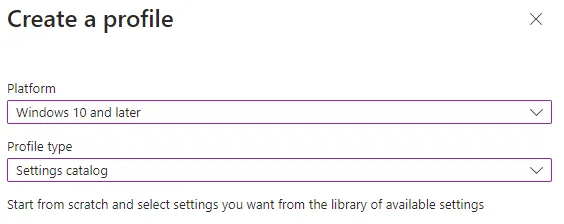
We can do the whole thing very easily with one Settings catalog Create policy in Intune.
First create a new policy under:
Devices> Windows> Configuration profiles
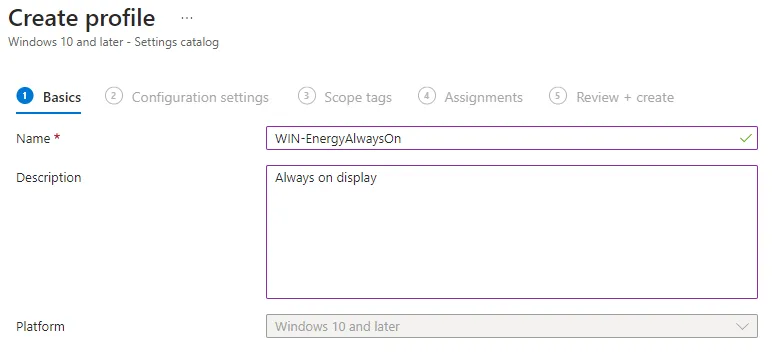
We then give the guideline a meaningful name such as “WIN-EnergyAllwaysOn” and optionally a description:
Then you have to add a few settings, these are the following:
- When plugged in, turn display off after (seconds)
- Turn off the display (on battery)
- Turn off the display (plugged in)
- Require a password when a computer wakes (on battery)
- Require a password when a computer wakes (plugged in)
- Specify the system sleep timeout (on battery)
- Specify the system sleep timeout (plugged in)
- Turn on the ability for applications to prevent sleep transitions (on battery)
- Turn on the ability for applications to prevent sleep transitions (plugged in)
- Select an active power plan
- Prompt for password on resume from hibernate/suspend (User)
- Turn Off the Hard Disk (seconds): (Device)
- Turn Off the hard disk (on battery)
- Turn Off the hard disk (plugged in)
- Device Password Enabled
- Select Lid Close Action On Battery
- Select Lid Close Action Plugged In
The easiest way to find the individual settings is to search for them:
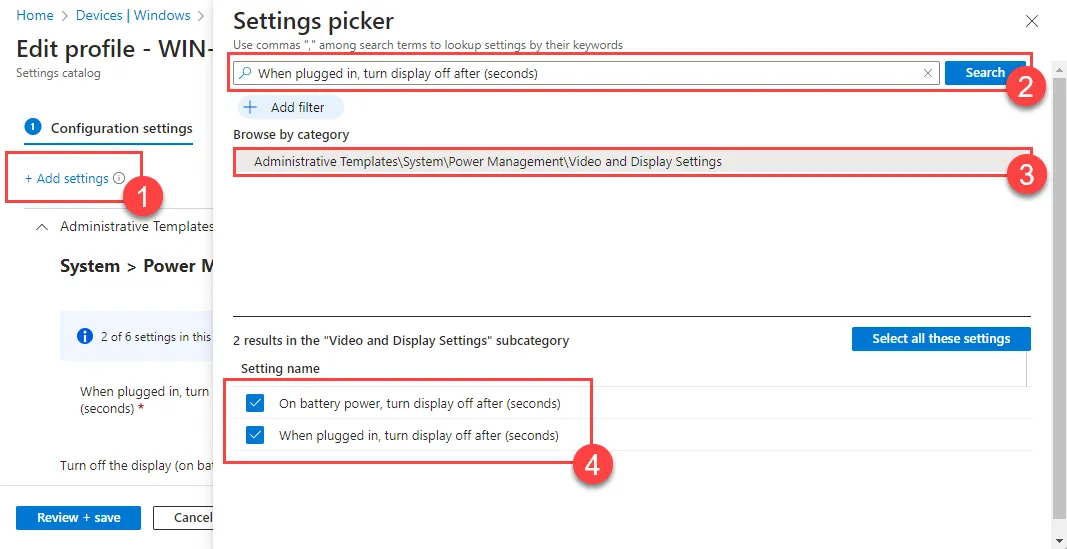
Finally, you assign the guidelines to your target group and that’s it.
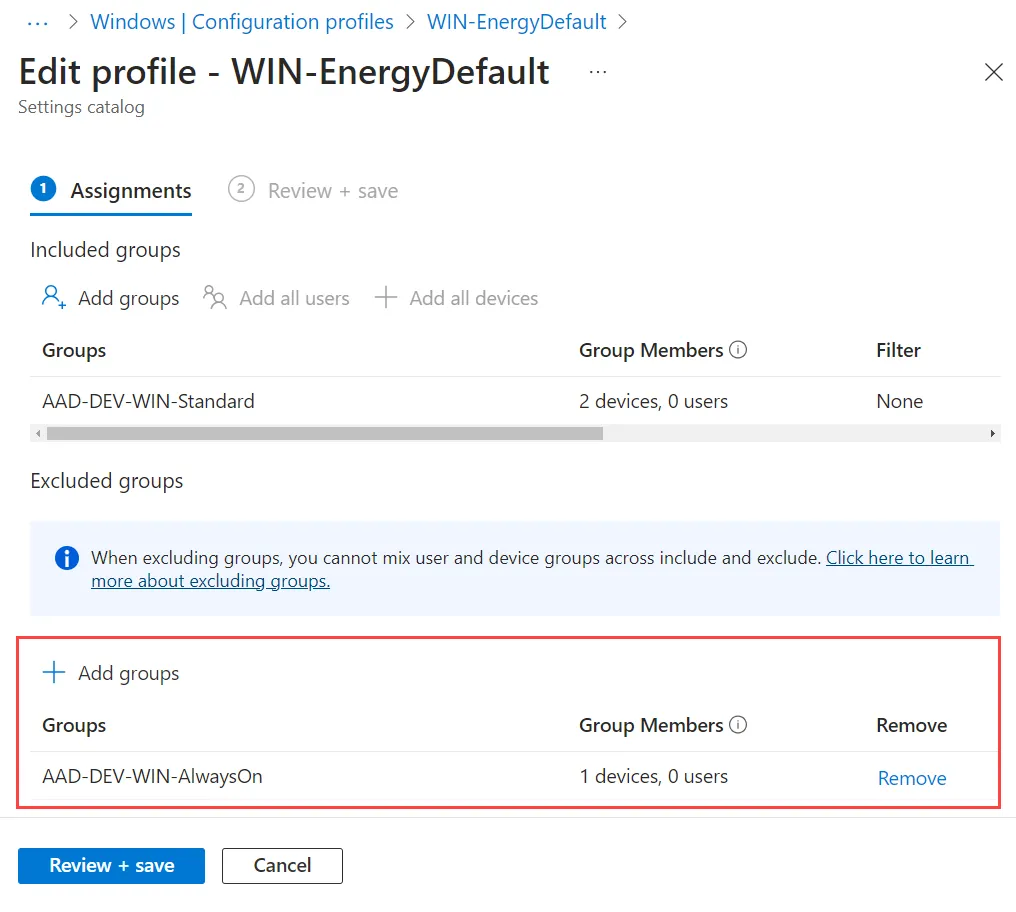
If you have a second energy policy, don’t forget to exclude the policy assigned here in this one, not that there are any conflicts: