
Microsoft Intune
175+ practical Microsoft Intune guides from real production deployments, not marketing slides - device provisioning, app packaging, automation, compliance, and identity. New to Intune? Start with the Starter Series below. Looking for something specific? Jump into a topic.
Explore by topic
Getting Started
See all 8 →
Mastering Assignments in Intune: Group Targeting Done Right
Learn how to avoid common problems with Intune policy assignment by keeping group types clean and targeting consistent.
Custom Compliance Policies in Intune: When and How to Use Them
Use custom compliance in Intune to check services, registry keys, and files. Includes scripts, JSON, and setup tips.
Intune Management Extension Installation: A Deep Dive
Learn how the installation of the Intune Management Extension (IME) works, from prerequisites to troubleshooting over to registry and logs.
Windows Autopilot & Provisioning
See all 11 →
Advanced Dynamic Autopilot Group Queries for Production (Autopilot v1)
I use these dynamic Autopilot group queries in production for multiple tags, exclusions, and prefix matching. Keep them simple to avoid maintenance pain.
Autopilot Hash Upload without Admin Role
Upload an Autopilot hash to Intune without administrator rights. This allows you to use RBAC and still let users upload new hashes.
Windows Autopilot: Overview and Setup
Set up Windows Autopilot in Intune: register devices via Intune or PowerShell, choose Entra ID or hybrid join, create a profile and configure the ESP.
Win32 App Packaging & Deployment
See all 24 →
How I Create and Test Win32 Apps for Intune
How I create and test Win32 apps for Intune: templates, Sandbox and VM testing, checking detection rules locally, and running processes as System.
Robopack: Third-Party App Packaging Hub for Intune
Robopack is your Intune packaging hub. Create custom apps, test them automatically, and manage pre-packaged apps with full patch automation.
MSI Deployment with Intune as Win32 App
Easily deploy MSI applications with Microsoft Intune in a simple Win32 app and add your custom parameters including a log path.
Proactive Remediations & Scripts
See all 18 →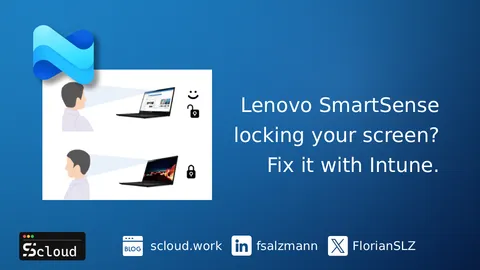
Fix Lenovo SmartSense Screen Locking via Intune Proactive Remediation
Lenovo devices auto-lock or dim when users look away? Disable the Intelligent Sensing (SmartSense) service with an Intune Remediation. Scripts included.
Deploying Shortcuts with Intune: Your Options
Deploy shortcuts with Intune using Platform Scripts, Remediations or Win32 apps. Covers Start Menu links, file shortcuts and the trade-offs of each method.
Free up space for Windows 11 upgrades with Intune Remediation
Learn how to use Intune Proactive Remediation to detect and fix low disk space before a Windows 11 upgrade with a user friendly popup.
Security
See all 12 →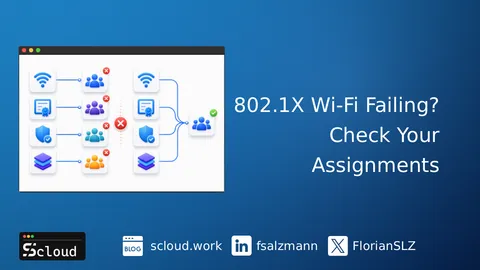
802.1X Wi-Fi Failing? Check Your Certificate Chain
802.1X Wi-Fi failing in Intune? Wi-Fi, Root CA, Intermediate CA and SCEP/PKCS profiles assigned to different groups break the certificate chain.
How to Configure Smart Card Authentication in Intune
Set up Smart Card authentication in Intune for secure logins and auto-locking. Step-by-step guide included.
Defender for Endpoint - Web Filter
With Defender for Endpoint and Defender for Business, implement a web filter regardless of location and monitor it centrally.
Entra ID & Conditional Access
See all 8 →How to Configure Smart Card Authentication in Intune
Set up Smart Card authentication in Intune for secure logins and auto-locking. Step-by-step guide included.
macOS: Google Chrome Single Sign On (SSO) | Entra ID
Acive a sing sign-on (SSO) experience in Google Chrome for your Intune managed macOS devices with Platform SSO.
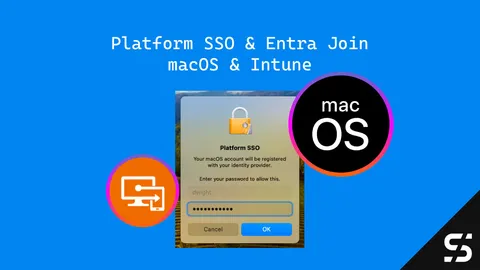
Entra Join & Platform SSO for macOS with Intune
Configuring Platform SSO (PSSO) with Intune for your macOS devices for a smoother SSO experience and a full Microsoft Entra join.
All guides
Advanced Dynamic Autopilot Group Queries for Production (Autopilot v1)
I use these dynamic Autopilot group queries in production for multiple tags, exclusions, and prefix matching. Keep them simple to avoid maintenance pain.
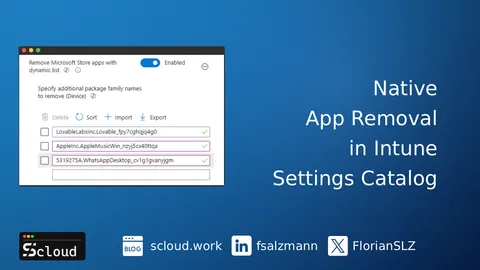
Remove Any Preinstalled Microsoft Store App with Intune Settings Catalog
Removing custom Microsoft Store apps in Intune used to mean OMA URI and a registry fix. Settings Catalog now does it natively.
802.1X Wi-Fi Failing? Check Your Certificate Chain
802.1X Wi-Fi failing in Intune? Wi-Fi, Root CA, Intermediate CA and SCEP/PKCS profiles assigned to different groups break the certificate chain.
When Intune Endpoint Privilege Management Wins, and When It Does Not
You already run standard users. The hard part is the last exceptions. Here is how Intune Endpoint Privilege Management compares to the alternatives.
Set DNS Suffixes via Microsoft Intune
Learn how to configure DNS suffixes via Microsoft Intune with a Settings Catalog profile, deploy them safely, and verify the setup on managed Windows devices.
How I Create and Test Win32 Apps for Intune
How I create and test Win32 apps for Intune: templates, Sandbox and VM testing, checking detection rules locally, and running processes as System.
Fix Lenovo SmartSense Screen Locking via Intune Proactive Remediation
Lenovo devices auto-lock or dim when users look away? Disable the Intelligent Sensing (SmartSense) service with an Intune Remediation. Scripts included.
Intune Diagnostic Tool: Analyze IME and Autopilot Logs with One Script
Analyze Intune Management Extension and Autopilot logs with the Intune Diagnostic Tool: one PowerShell UI for three community scripts. Free, open source.
Deploying Shortcuts with Intune: Your Options
Deploy shortcuts with Intune using Platform Scripts, Remediations or Win32 apps. Covers Start Menu links, file shortcuts and the trade-offs of each method.
Create Your Own Hyper-V Intune Lab on Azure: A Step-by-Step Guide
Build an Intune test lab on Azure using Hyper-V nested virtualisation. Step-by-step guide to create an isolated Windows 11 environment for Autopilot testing.
Intune Secure Boot Certificate Update: Fix Before the 2026 Deadline
Prepare your Intune devices for the Secure Boot certificate expiry in 2026. How to opt in, monitor deployment, and detect update issues.
Free up space for Windows 11 upgrades with Intune Remediation
Learn how to use Intune Proactive Remediation to detect and fix low disk space before a Windows 11 upgrade with a user friendly popup.
Quick Tip: Lock Windows 11 to 24H2 During Onboarding
Prevent unintended upgrades to Windows 11 25H2 during onboarding. Pin 24H2 via Intune Settings Catalog and WUfB.

Automatically Set the Time Zone in Intune Autopilot
Set the correct time zone during Intune Autopilot using my PowerShell script and IPInfo API. Fast, simple, and no extra services needed.
Robopack: Third-Party App Packaging Hub for Intune
Robopack is your Intune packaging hub. Create custom apps, test them automatically, and manage pre-packaged apps with full patch automation.
Mastering Assignments in Intune: Group Targeting Done Right
Learn how to avoid common problems with Intune policy assignment by keeping group types clean and targeting consistent.
Deploy Win32 Apps to ARM Devices with Intune - No More Workarounds
Deploy Win32 apps to ARM64 with Intune’s new architecture picker - no filters, scripts or registries needed.
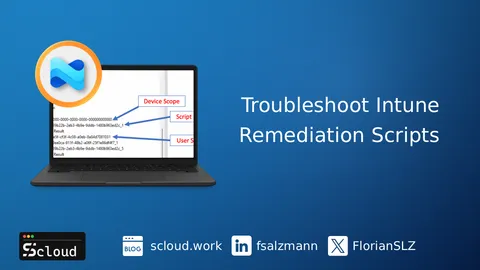
How to Troubleshoot Intune Remediation Scripts Locally
Troubleshoot Intune Remediation scripts locally: find them in the IMECache folder, run them manually, check the IME log and read results from the registry.
Map Network Drives with Intune using Custom ADMX
Map network drives on Entra joined Windows devices using Intune and custom ADMX Clean visible in the Intune UI.
Custom Compliance Policies in Intune: When and How to Use Them
Use custom compliance in Intune to check services, registry keys, and files. Includes scripts, JSON, and setup tips.
Manage Windows Services with Intune: A Practical Guide
Learn how to manage and configure Windows services using Microsoft Intune. I'm using PowerShell and Intune's scripting capabilities.
How to Configure Smart Card Authentication in Intune
Set up Smart Card authentication in Intune for secure logins and auto-locking. Step-by-step guide included.
Finally! Blocking Screenshots in MAM for iOS/iPadOS 🎉
Learn how to block screenshots in iOS MAM with Intune's new secure-by-default feature, ensuring better protection for BYOD scenarios.
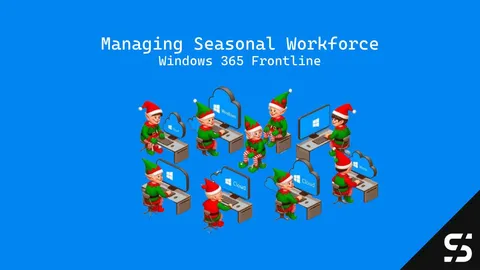
Managing Seasonal Workforce with Windows 365 Frontline
Windows 365 Frontline: Scalable and cost-effective virtual PCs for dynamic and seasonal workforce needs. Boost productivity effortlessly.

Why I Absolutely Love Windows 365!
Discover how Windows 365 simplifies cloud computing with effortless setup, enhanced security, and easy integration with Intune.
Autopilot Hash Upload without Admin Role
Upload an Autopilot hash to Intune without administrator rights. This allows you to use RBAC and still let users upload new hashes.
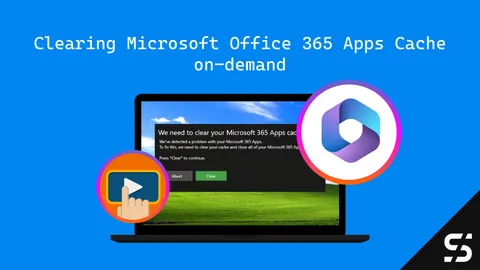
Cleaning Up Microsoft Apps Cache on Demand with Intune
This guide demonstrates how to clear the Microsoft 365 Apps cache on demand with Intune, potentially resolving various app-related problems.
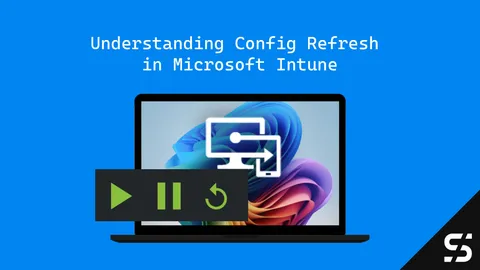
Understanding Config Refresh in Microsoft Intune: Faster Policy Enforcement Without Check-Ins
Config Refresh in Intune reapplies your settings regardless of your Internet connection and keeps your devices compliant!
macOS: Google Chrome Single Sign On (SSO) | Entra ID
Acive a sing sign-on (SSO) experience in Google Chrome for your Intune managed macOS devices with Platform SSO.
Entra Join & Platform SSO for macOS with Intune
Configuring Platform SSO (PSSO) with Intune for your macOS devices for a smoother SSO experience and a full Microsoft Entra join.
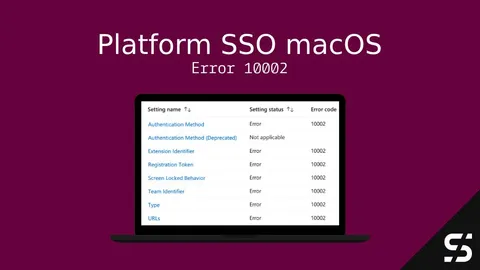
Intune Assignment Error 10002: Platform SSO
Deploying Platform SSO for macOS in Intune? Don't get stuck with error 10002 in Intune! Learn how to resolve this error.
MSI Deployment with Intune as Win32 App
Easily deploy MSI applications with Microsoft Intune in a simple Win32 app and add your custom parameters including a log path.
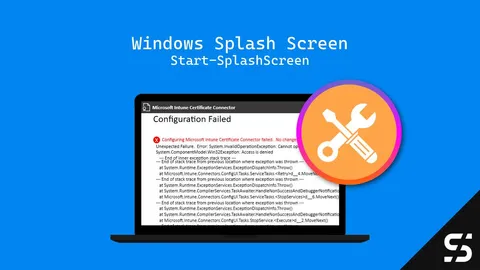
FIX: Configuring Microsoft Intune Certificate Connector Failed?
Configuring Microsoft Intune Certificate Connector Failed? Here's an easy fix: Just run the configuration wizard as administrator!
Handling the New Outlook with Intune
Handle the new Outlook with Intune: Learn how to block, roll back, and deploy the new Outlook with Intune.
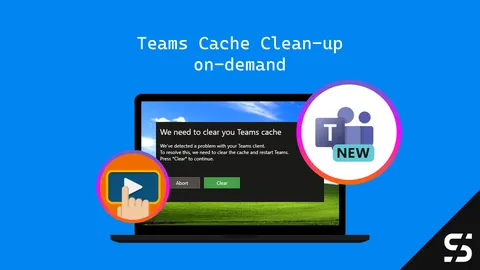
Teams 2.0: Cache cleanup on demand
Clear the cache of the Teams Client from a user with Microsoft Intune on-demand actions. Simple teams Cache cleanup!
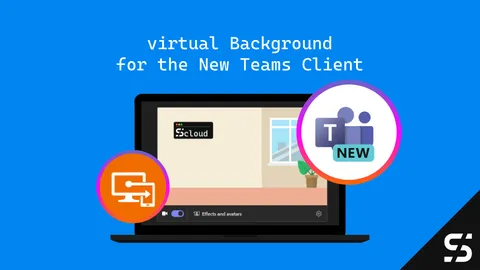
The New Teams: virtual Background with Intune
Learn how to deploy Teams virtual Background with Intune. A step-by-step guide for an easy deployment and update process.
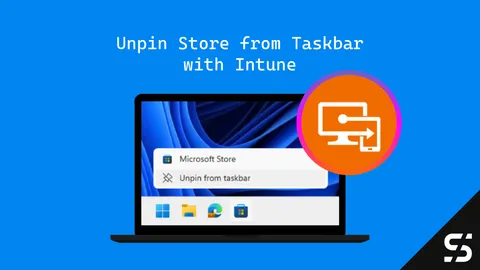
Remove the Microsoft Store from the Taskbar with Intune [UPDATED]
This guide shows you how to unpin / remove the Microsoft Store from the Taskbar using Intune. Choose your method & banish the icon today!
Create Desktop Shortcuts for Windows Apps
Learn how to create Desktop Shortcuts for Windows Apps, manually, with PowerShell and for a central deployment with Intune.
Winget Deployment with PSAppDeployToolkit and Intune
Application deployment with Winget packages using PSAppDeployToolkit and Intune. A how to guide with examples.
Deploy the NEW Teams Client (and cleanup the classic)
Here's how you can install the new Teams Client via Intune and in the same process you can clean up old / classic Teams installations.
Intune Management Extension Installation: A Deep Dive
Learn how the installation of the Intune Management Extension (IME) works, from prerequisites to troubleshooting over to registry and logs.
Ensuring Windows LAPS Readiness with April 2023 Update
Ensure Windows LAPS readiness post Autopilot deployment by installing April 2023 update seamlessly via Intune.
How to open (new) Teams in Background
Learn how to deploy settings to Microsoft Teams to start / open it in the background for a user-friendly and seamless work experience.
How to Resolve NamespaceMissing:Microsoft.Policies.Windows Error in Intune
Here's how to fix the Error "NamespaceMissing:Microsoft.Policies.Windows" while importing custom ADMX files in Intune.
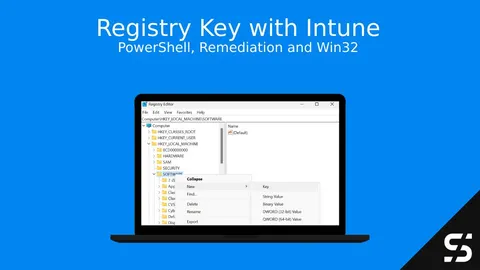
How to set Registry Keys with Intune
Hers how you can add, delete or modify Registry Key with Intune. You won't have the Preferences from GPO's, but PowerShell got you covered.
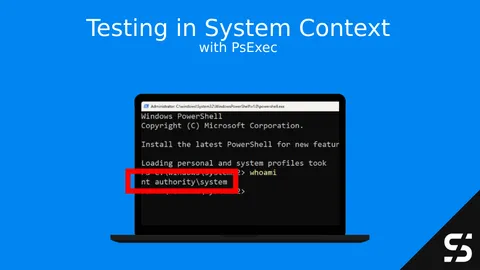
Testing Applications in System Context: A Step-by-Step Guide Using PsExec
Learn how to use 'PsExec ' for system context installations. Test applications with confidence and troubleshoot easily.
Windows Autopilot: Overview and Setup
Set up Windows Autopilot in Intune: register devices via Intune or PowerShell, choose Entra ID or hybrid join, create a profile and configure the ESP.
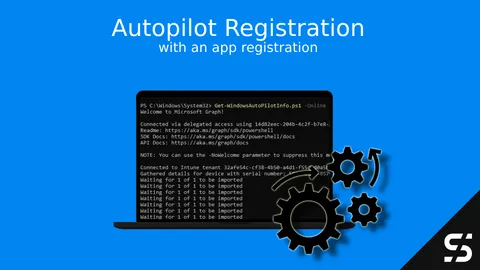
Windows Autopilot Registration with App registration
Windows Autopilot Hast collection / registration simplified and easy via PowerShell, user interaction and/or GPO.
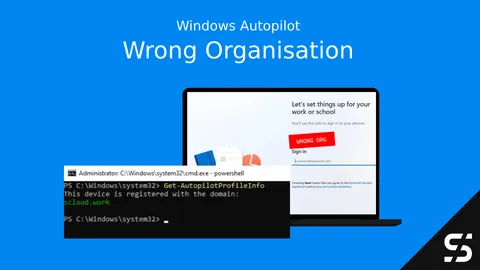
Where is my Device Registered? Get-AutopilotProfileInfo
Is your Windows Autopilot device registered with the wrong organization? PowerShell and I have you covered: Get-AutopilotProfileInfo
Understanding Intune Roles and Permissions
Built-in vs. custom roles, scope tags, and least-privilege practices for Intune RBAC - based on how I actually delegate access in client tenants.
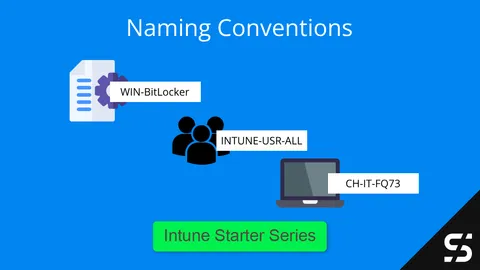
Intune Naming Convention
A practical naming convention for Intune with examples for devices, apps, users, groups and configuration profiles that keep your tenant easy to search.
Windows 365: Business vs Enterprise vs Frontline
Find the right Windows 365 edition / licensing model for your needs. Learn which Cloud PC edition is best for you.
Setting Up Your Intune Environment
Setup your new Intune environment with all the prerequisites, restrictions, and checkboxes to get started smoothly.
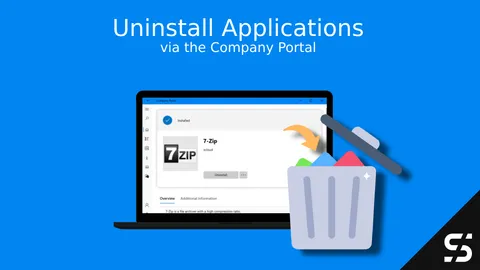
Allow users to Uninstall App via Company Portal
Let users uninstall a win32 or Windows Store app via the Microsoft Intune Company Portal on their own, without admin rights.
Introduction to Microsoft Intune
What Microsoft Intune is, how it works and what it covers: device and app management, security features and the first steps to get started.
App update via vendor URL and Remediation
Update with (Proactive) Remediation an App via the Vendor URL and perform the update with a delay if necessary.
Google Chrome Single Sign On (SSO) | Entra ID
Force-install the Microsoft SSO extension for Chrome (ID ppnbnpeolgkicgegkbkbjmhlideopiji) with Intune, or use Chrome's built-in setting, for Entra ID SSO.
Intune Energy Settings - Always ON
Using Intune, set the power installations of Windows devices to "Always On" so that the Windows device does not lock itself.
Manage Default File Associations in Intune for Windows
Learn how to manage default file associations in Intune using the Settings Catalog. No more OMA-URI - just Base64 and done.
Start with Azure Automation & Managed Identity
Build secure Modern Workplace automations with Azure Automation, using a managed identity for authentication.
Wallpaper and Lockscreen with Intune and Business Premium
Distribute the wallpaper and lockscreen with Microsoft 365 Business Premium and a Win32 App in Intune (no Enterprise needed).
Disable Outlook Signature Synchronization
Outlook signature synchronization can be a useful feature, but in certain cases you may want to disable it.
Windows LAPS | Entra ID
Manage and rotate local administrators and their passwords via Entra ID/ Azure AD with Windows LAPS and Intune.
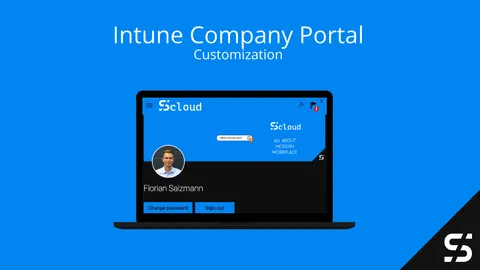
Mastering Microsoft Intune Company Portal Customization
Customize the Intune Company Portal: branding, logo and colors, support contact info, device categories, app sources and which features to hide.
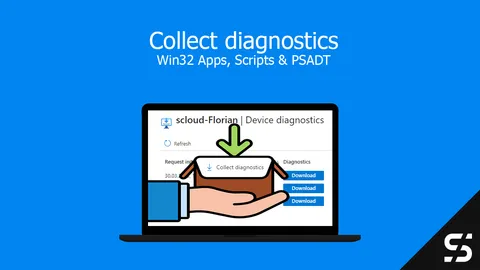
"Collect diagnostics" for custom logs with Intune
With Intune, you can also collect custom logs with the "Collect diagnostics" function. These must be saved correctly.
Endpoint Analytics Proactive Remediation Community Repository
The Proactive Remediations Community Repository offers many ready-made script packages you can use in your Intune environment.
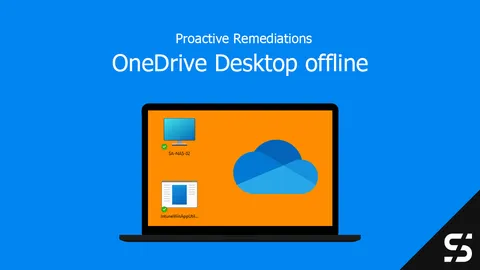
OneDrive Desktop Offline with Intune
You can make OneDrive folders (desktop etc.) always available offline via PowerShell and thus also via Proactive Remediations.
Defender for Endpoint - Web Filter
With Defender for Endpoint and Defender for Business, implement a web filter regardless of location and monitor it centrally.
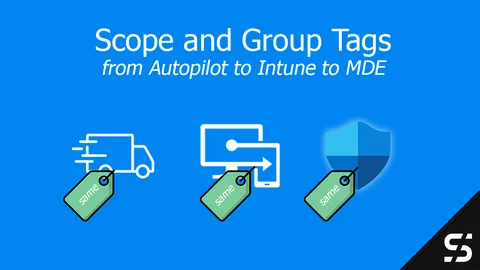
Defender for Endpoint Scope Tag with Autopilot and Intune
I explain how to move the Defender for Endpoint Scope Tag from Autopilot through Intune into MDE device groups in five easy steps.
Fix: Start Menu Not Responding / Can't Log Into Office Apps
Your Windows Start menu is not responding and/or you can't log into the Office apps anymore? This might help.
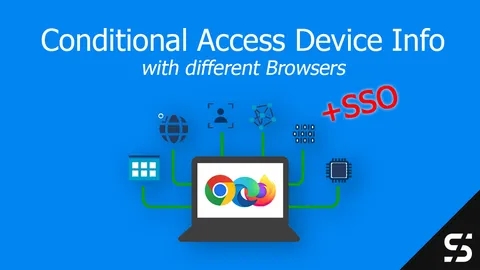
Conditional Access Device Info / State
Configure Intune for Chrome, Firefox, and Edge so Conditional Access works based on device info and with SSO.
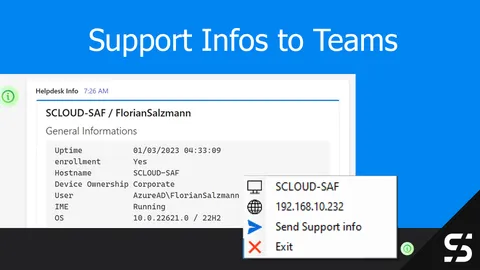
Send support Information to Teams channel
Send support information of an Intune managed device to a Central Teams channel with one click by the end user.

Santa brings you Autopilot (and more)
Intune deployment automated with the PowerShell module "IntuneStarterKit" - enriched with apps and configurations as needed.

Achieving SSO with Entra ID in Mozilla Firefox
How to configure Mozilla Firefox SSO for Windows / Entra ID / Azure AD users to implement a single sign-on.
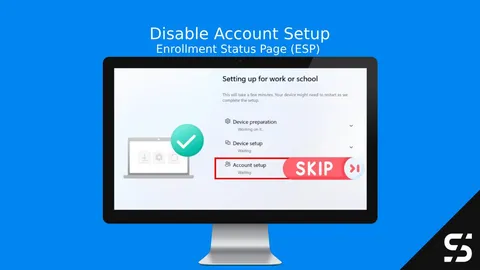
How to Disable the Account Setup Phase in Windows Autopilot ESP for Faster Deployments
Speed up Windows Autopilot deployments by skipping the Account Setup phase. Follow this guide to streamline ESP and reduce setup time.
My Top 5 Intune Community Tools
My top 5 Intune community tools that make my daily work easier, from troubleshooting to creating apps.
The Intune Management Extension: Explained
What the Intune Management Extension (IME) does, how often it syncs, where its logs are and how to re-trigger a failed Win32 app install.
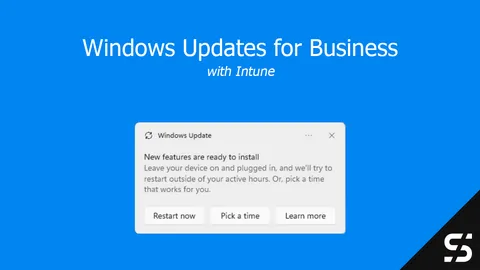
Windows Updates for Business
Configure Windows Update for Business with Intune: update rings, feature updates, quality and expedited updates, reporting and PowerShell management.
Introducing IntuneDeviceInventory
Add custom inventory information to your Microsoft Intune devices with the IntuneDeviceInventory PowerShell module.
Point and Print & Intune
Configure Point and Print policies correctly with Intune so shared printers can be deployed and drivers installed.
Dell Drivers with Intune and Proactive Remediations
Using Microsoft Endpoint Manager / Intune, install Dell drivers and updates with the Proactive Remediations feature.
HP drivers with Intune and Proactive Remediations
Using Microsoft Intune to check for and install HP drivers and updates with the Proactive Remediations feature.
winget Updates | Proactive Remediations
Realise updates of applications via winget with the Proactive Remediations. (Function in Microsoft Endpoint Manager / Intune)
How to: winget & Intune
With Intune and winget (Windows Package Manager) you can install applications easily and without much effort.
Block Microsoft Store with Intune
How you can block the Windows Store with Microsoft Intune to only allow predefined Store applications on your devices.
Docs | Intune Win32 Deployer
In the docs of the Intune Win32 Deployer you will find all functions in their variations and how you can use them.
FAQ | Intune Win32 Deployer
In the FAQ of the "Intune Win32 Deployer" I answer your questions about the functionality and what happens in the background.
The Intune Win32 Deployer
With the Intune Win32 Deployer you can automatically package and deploy apps from the Windows Package Manager and Chocolatey to Intune.
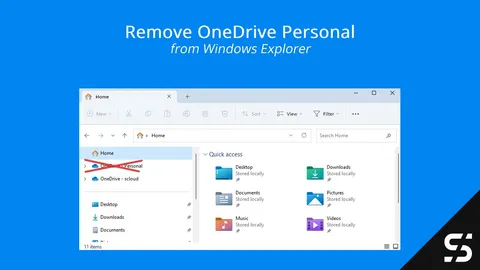
Remove OneDrive Personal from Explorer
This quick guide explains how to remove the extra OneDrive personal icon in the Windows Explorer using a simple PowerShell script.
Install Worksheet Crafter with Intune
Deploy Worksheet Crafter with Intune and store the school's license automatically to avoid a manual setup.
Microsoft Defender for Business Servers
Protect Windows servers with the Defender for Business Servers license as a standalone variant and manage them with Microsoft Intune.
RunAsRob & Intune - The Part-Time Admin
Use RunAsRob and Intune to run specific programs / directories as admin, without the user being a local administrator.
Windows Hello for Business - Cloud Kerberos Trust - Hybrid
Ensure successful authentication and SSO via Kerberos to local resources with the Windows Hello for Business Cloud Trust.
Proactive Remediation for Business
Proactive Remediation cannot be used with the Microsoft 365 Business Premium license. - But... I will show you a workaround!
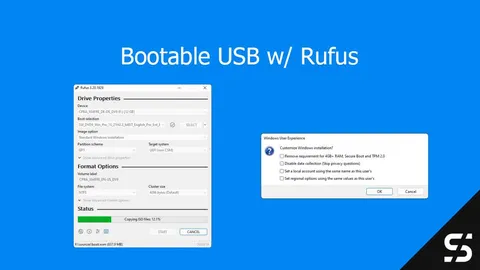
Create USB drive for Windows installation with Rufus
With Rufus you can easily create a bootable Windows USB stick. If necessary, the Windows 11 requirements can also be bypassed.
Manage Office templates with SharePoint and Intune
Centrally manage the company's own Office (Word, Excel, PowerPoint and Outlook) templates and standard templates with SharePoint and Intune.
Excel Default Template with Intune
Distribute the Excel default template, consisting of "Book.xltx" and "Sheet.xltx", to devices and users with Intune.
PowerPoint Default Template with Intune
Assign the default PowerPoint template (blank.potx) to the user using Intune (Microsoft Endpoint Manager).
Open Teams Classic in Background | Intune
In Microsoft Teams, the setting "Open application in background" can be set as a user or centrally with Intune.
Outlook Default Template with Intune (NormalEmail.dotm)
Centrally manage and deploy an Outlook mail template with Intune, including a NormalEmail.dotm and a few registry keys.
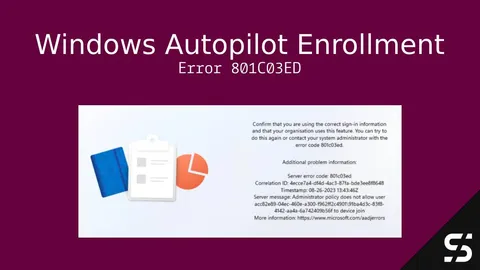
Troubleshooting Windows Autopilot Enrollment Error 801C03ED
Autopilot error 801C03ED during OOBE? Either Entra device join is restricted or the device object is disabled or deleted. Here's how to fix both.
Run once at Startup - Intune
With a run-once-at-startup script in Intune you can apply changes or run a task before the user opens an application.
Let Firefox Use the Windows Certificate Store - Intune
Using Intune and a PowerShell script to teach Mozilla Firefox to use the Windows certificate store.
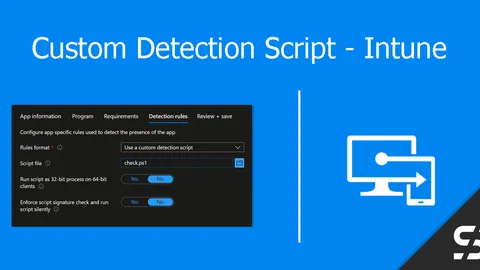
Custom Detection Script for Intune (Win32 Apps)
Intune Win32 App installations with a Custom Detection Script, enabling more complex/granular queries and scenarios.
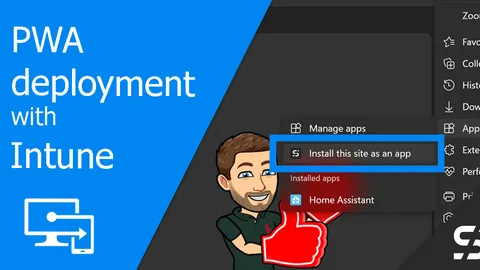
Easy PWA Deployment - Intune
Distribute a web application like a CRM, ERP, or a dashboard as a PWA (Progressive Web App) with Intune.
Turn off automatic Teams meeting
Disable automatic creation of online / Teams meeting organization-wide or per user with PowerShell and co.
Fix 7-Zip Vulnerability - Proactive Remediation
Counter the 7-Zip vulnerability (CVE-2022-29072) with a Proactive Remediation package in Microsoft Endpoint Manager.
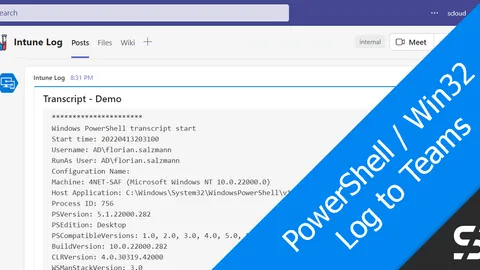
PowerShell / Win32: Send Install Logs to Teams - Intune
Send transcripts, a log or errors of a PowerShell script or Win32 app from Intune to a Teams channel with a webhook.
Google Chrome Policies with Intune
Manage Google Chrome with Intune / Endpoint Manager and the built-in ADMX policies.
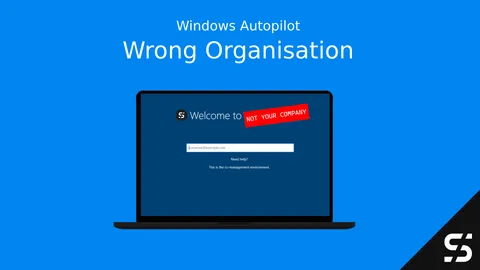
Windows Autopilot: Wrong Organization registered (Error 808)
Is your Windows Autopilot device registered in the wrong organization? I've got you covered and will show you how to find out where it is.
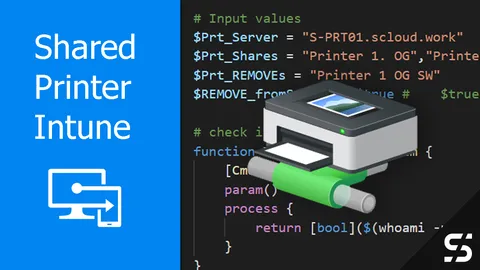
Shared Printer with Intune
Distribute shared printer with Intune and connect them when users log in and when they change networks- like a GPO.
FortiClient VPN configuration with Intune
Deploy the FortiClient VPN to Windows devices using Intune / Endpoint Manager and a predefined VPN configuration.
Word Standard Template with Intune (Normal.dotm)
Deploy the Normal.dotm with Intune to make sure every new Word document starts with your corporate design.

Miracast / Microsoft Wireless Display Adapter not connecting
The Microsoft Wireless Display Adapter / Miracast does not connect? You can fix it with Intune and a Windows Firewall rule.
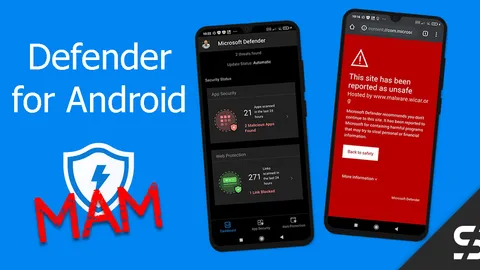
Defender for Business for Android - MAM
With Defender for Business and MAM you protect employees' personal Android devices from malware and with a web filter.
Install Fonts with Intune
You can easily install and register fonts on Windows devices via Intune using a Win32 package and PowerShell scripting.
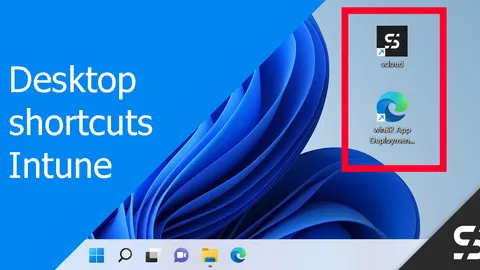
Manage Desktop Shortcut(s) / icon with Intune
Use Intune for crafting/updating desktop shortcuts/icons, incorporating custom icons if preferred. All with a win32 app.
win32 App Deployment automated
I automated the win32 app deployment for Microsoft Intune using a CSV, a repo with the files and a PowerShell script.
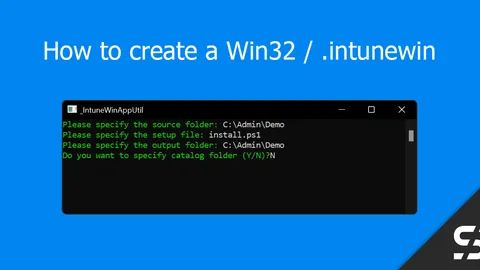
Create Win32 App / .intunewin
To create a Win32 App (intunewin) to upload to Intune is easy with the "Microsoft Win32 Content Prep Tool".
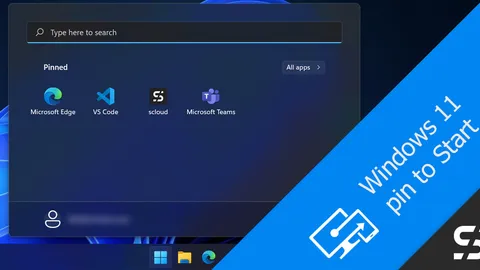
Pin to Start - Windows 11 with Intune
Pin shortcuts in the Windows 11 Start menu with Intune, as the user can do with the "Pin to Start" function.
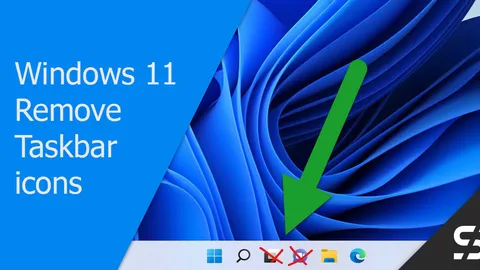
Windows 11 Taskbar - Get rid of widgets and chat
The Windows 11 taskbar ships with Widgets and Teams Chat by default. Here's how I remove them with Intune.
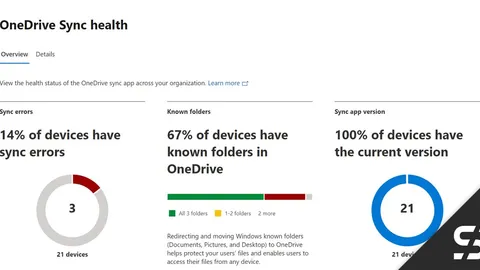
Monitor OneDrive Status - Sync Admin Reports
OneDrive Sync Admin Reports allows you to monitor the OneDrive status of all managed Windows devices in a central view.
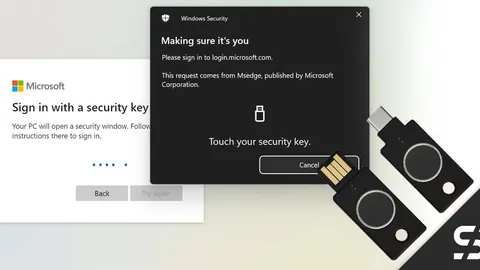
YubiKey Bio - Embrace Passwordless Authentication in Entra ID
Yubikey Bio (FIDO2) for passwordless login to Windows and Microsoft 365 / Entra ID - all with a stick and your own fingerprint.
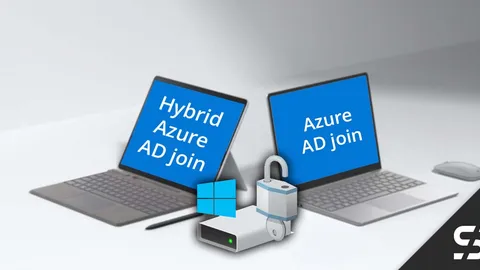
BitLocker: Cloud Only vs. Hybrid
BitLocker doesn't always work the same way on Windows Azure AD only and Azure Hybrid devices. Here's how the Intune policies work.
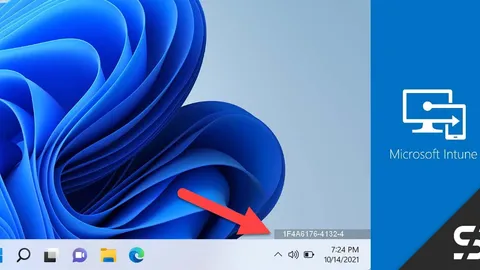
Hostname on Desktop - Intune
With DesktopInfo and Intune, the hostname of a device can be displayed on the user's desktop as an alternative to BGInfo.
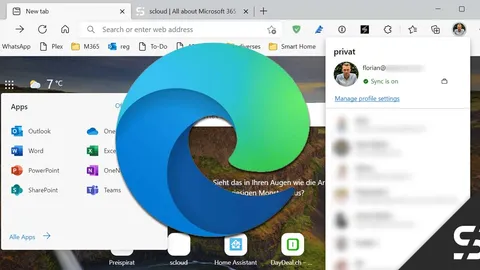
Microsoft Edge Policies with Intune
Configure the Microsoft Edge browser for end users with Intune, so that favorites and search settings are set up in a meaningful way.
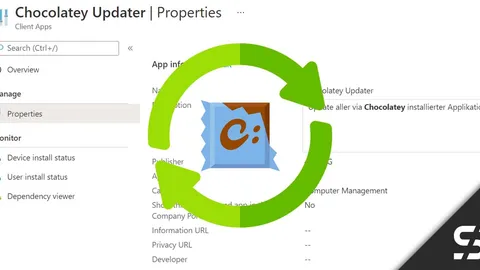
Chocolatey - Keep programs up to date - Intune
Automatically update Chocolatey-installed programs with Intune, either at restart or on a defined schedule.
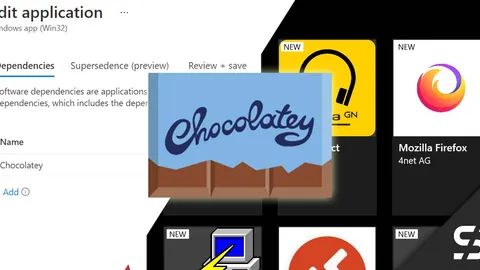
Chocolatey - Program Installation - Intune
Install program from the chocolatey packages repository with Intune and a win32 app and update them automatically later.
chocolatey - basic installation with Intune
Install chocolatey with a Win32 package in Intune as a basis for further software installations and save time during packaging.
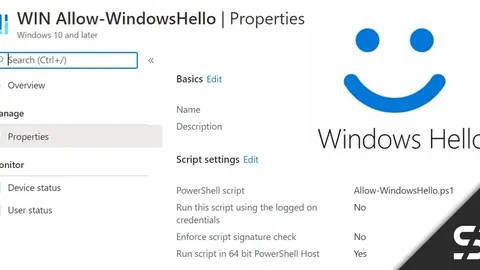
Enable Windows Hello - Intune
Windows Hello is not always active organisation-wide. However, you can easily activate Windows Hello with a few settings.
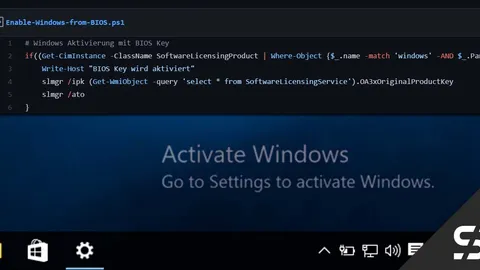
How to Activate Windows Using BIOS Keys in Intune
Learn how to effortlessly activate Windows using BIOS keys in Intune. Resolve activation issues with my step-by-step guide.
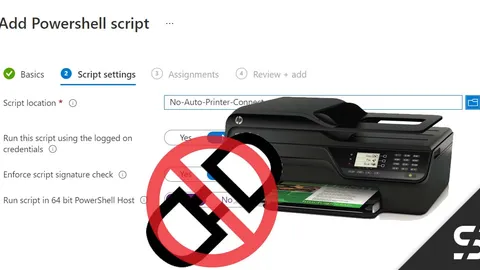
Disable Windows "Connect printer automatically" - Intune
Here's how to disable the Windows feature that connects network printers automatically by using Intune.
Microsoft Teams (classic) virtual background with Intune
Distribute an organisation-specific background (virtual background) for Microsoft Teams meetings and calls with Intune.
My take on Intune Win32 apps
To install Win32 apps via Intune, I almost always use the same basic structure: install, uninstall and detection scripts, packaged as .intunewin.