
Intune, Entra ID & Windows 365 Blog
All posts
Ensuring Windows LAPS Readiness with April 2023 Update
Ensure Windows LAPS readiness post Autopilot deployment by installing April 2023 update seamlessly via Intune.
How to open (new) Teams in Background
Learn how to deploy settings to Microsoft Teams to start / open it in the background for a user-friendly and seamless work experience.
How to Resolve NamespaceMissing:Microsoft.Policies.Windows Error in Intune
Here's how to fix the Error "NamespaceMissing:Microsoft.Policies.Windows" while importing custom ADMX files in Intune.
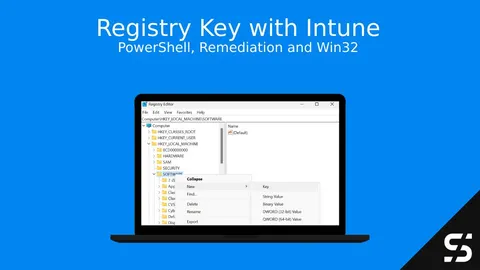
How to set Registry Keys with Intune
Hers how you can add, delete or modify Registry Key with Intune. You won't have the Preferences from GPO's, but PowerShell got you covered.
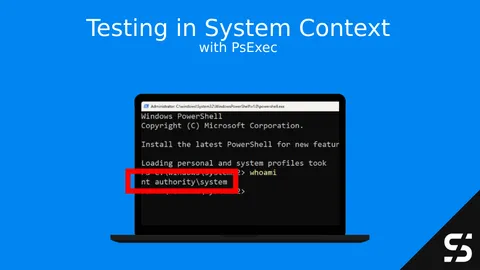
Testing Applications in System Context: A Step-by-Step Guide Using PsExec
Learn how to use 'PsExec ' for system context installations. Test applications with confidence and troubleshoot easily.
Windows Autopilot: Overview and Setup
Set up Windows Autopilot in Intune: register devices via Intune or PowerShell, choose Entra ID or hybrid join, create a profile and configure the ESP.
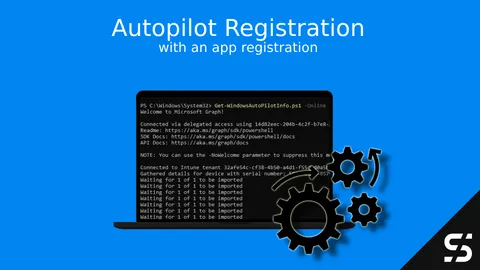
Windows Autopilot Registration with App registration
Windows Autopilot Hast collection / registration simplified and easy via PowerShell, user interaction and/or GPO.
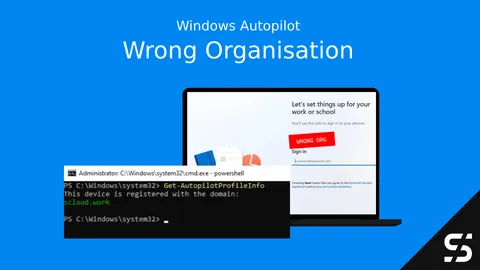
Where is my Device Registered? Get-AutopilotProfileInfo
Is your Windows Autopilot device registered with the wrong organization? PowerShell and I have you covered: Get-AutopilotProfileInfo
Understanding Intune Roles and Permissions
Built-in vs. custom roles, scope tags, and least-privilege practices for Intune RBAC - based on how I actually delegate access in client tenants.
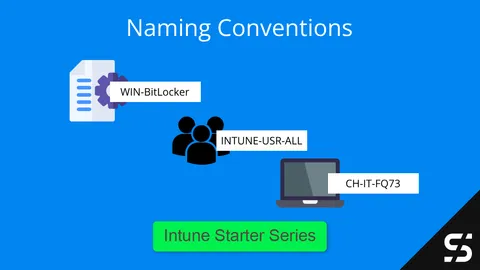
Intune Naming Convention
A practical naming convention for Intune with examples for devices, apps, users, groups and configuration profiles that keep your tenant easy to search.
Windows 365: Business vs Enterprise vs Frontline
Find the right Windows 365 edition / licensing model for your needs. Learn which Cloud PC edition is best for you.
Setting Up Your Intune Environment
Setup your new Intune environment with all the prerequisites, restrictions, and checkboxes to get started smoothly.