
Intune, Entra ID & Windows 365 Blog
All posts
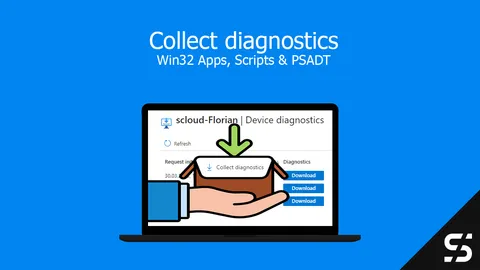
"Collect diagnostics" for custom logs with Intune
With Intune, you can also collect custom logs with the "Collect diagnostics" function. These must be saved correctly.
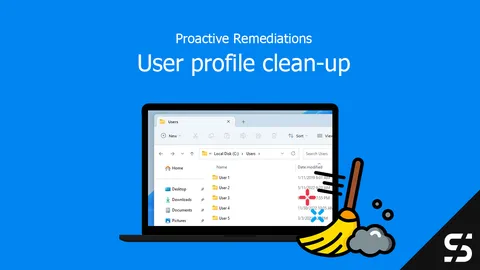
Remove old user profiles - Intune
Monitor old user profiles with Intune and Proactive Remediations, and remove them automatically when needed.
Endpoint Analytics Proactive Remediation Community Repository
The Proactive Remediations Community Repository offers many ready-made script packages you can use in your Intune environment.
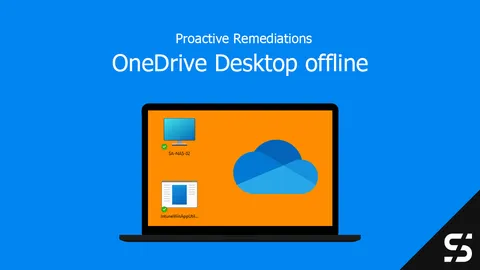
OneDrive Desktop Offline with Intune
You can make OneDrive folders (desktop etc.) always available offline via PowerShell and thus also via Proactive Remediations.
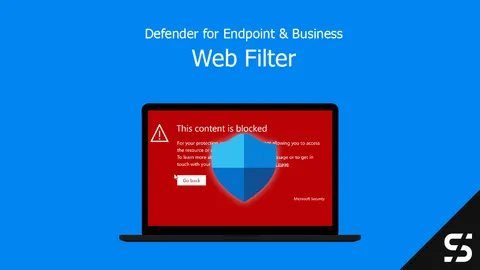
Defender for Endpoint - Web Filter
With Defender for Endpoint and Defender for Business, implement a web filter regardless of location and monitor it centrally.
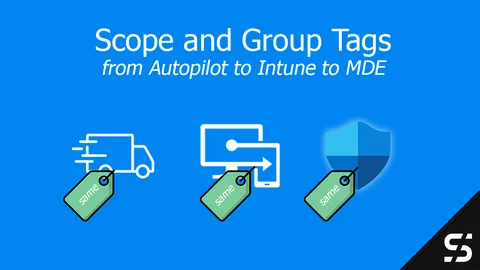
Defender for Endpoint Scope Tag with Autopilot and Intune
I explain how to move the Defender for Endpoint Scope Tag from Autopilot through Intune into MDE device groups in five easy steps.
Fix: Start Menu Not Responding / Can't Log Into Office Apps
Your Windows Start menu is not responding and/or you can't log into the Office apps anymore? This might help.
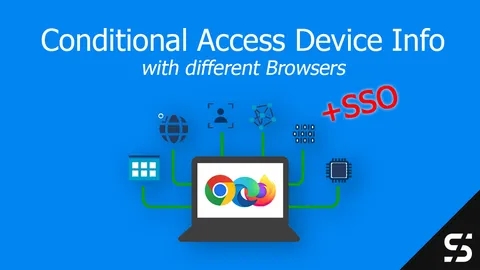
Conditional Access Device Info / State
Configure Intune for Chrome, Firefox, and Edge so Conditional Access works based on device info and with SSO.
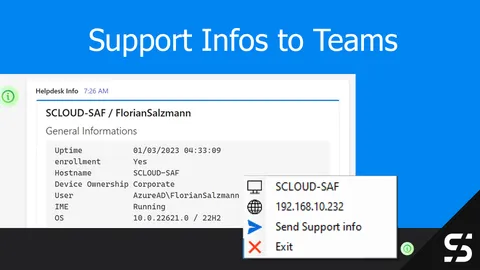
Send support Information to Teams channel
Send support information of an Intune managed device to a Central Teams channel with one click by the end user.

Santa brings you Autopilot (and more)
Intune deployment automated with the PowerShell module "IntuneStarterKit" - enriched with apps and configurations as needed.
Achieving SSO with Entra ID in Mozilla Firefox
How to configure Mozilla Firefox SSO for Windows / Entra ID / Azure AD users to implement a single sign-on.
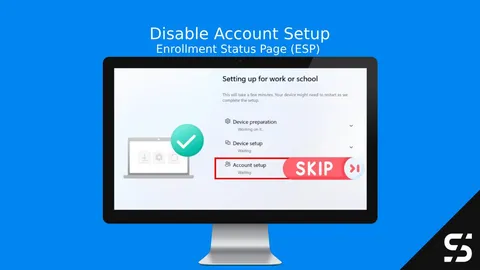
How to Disable the Account Setup Phase in Windows Autopilot ESP for Faster Deployments
Speed up Windows Autopilot deployments by skipping the Account Setup phase. Follow this guide to streamline ESP and reduce setup time.