
Intune, Entra ID & Windows 365 Blog
All posts
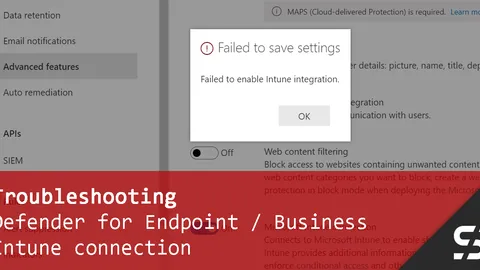
Defender for Endpoint: Failed to Enable Intune Integration
Getting the "Failed to enable Intune integration" error the first time you use Defender? Just give it a bit of patience.
Google Chrome Policies with Intune
Manage Google Chrome with Intune / Endpoint Manager and the built-in ADMX policies.
Windows Autopilot: Wrong Organization registered (Error 808)
Is your Windows Autopilot device registered in the wrong organization? I've got you covered and will show you how to find out where it is.
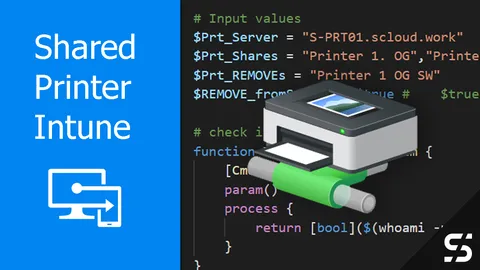
Shared Printer with Intune
Distribute shared printer with Intune and connect them when users log in and when they change networks- like a GPO.
FortiClient VPN configuration with Intune
Deploy the FortiClient VPN to Windows devices using Intune / Endpoint Manager and a predefined VPN configuration.
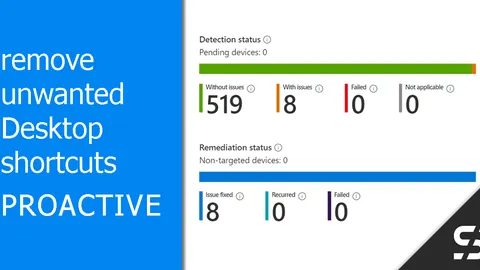
Proactively remove unwanted Desktop Shortcuts
Proactively remove unwanted desktop shortcuts with a "Proactive Remediation" script - for installations and updates.
Word Standard Template with Intune (Normal.dotm)
Deploy the Normal.dotm with Intune to make sure every new Word document starts with your corporate design.

Miracast / Microsoft Wireless Display Adapter not connecting
The Microsoft Wireless Display Adapter / Miracast does not connect? You can fix it with Intune and a Windows Firewall rule.
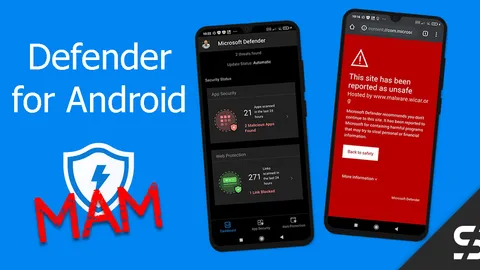
Defender for Business for Android - MAM
With Defender for Business and MAM you protect employees' personal Android devices from malware and with a web filter.
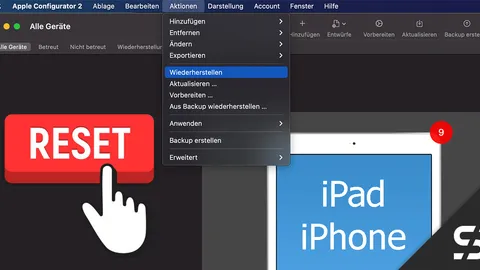
Reset iPad/iPhone with Apple Configurator 2
Guide to trigger a reset for iPad and iPhone with "Apple Configurator 2", in case you can no longer reach it via MDM.
Install Fonts with Intune
You can easily install and register fonts on Windows devices via Intune using a Win32 package and PowerShell scripting.
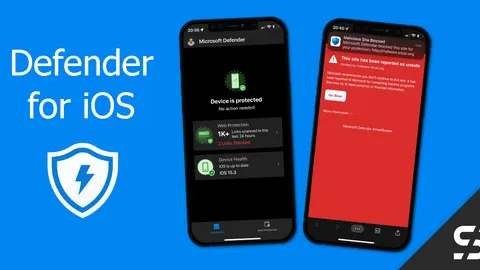
Defender for Business for iOS Deployment - zero-touch
With Defender for Business you can also protect iOS devices like iPhones and iPads, including a web filter. Zero-touch configuration!