
Intune, Entra ID & Windows 365 Blog
All posts
MSI Deployment with Intune as Win32 App
Easily deploy MSI applications with Microsoft Intune in a simple Win32 app and add your custom parameters including a log path.
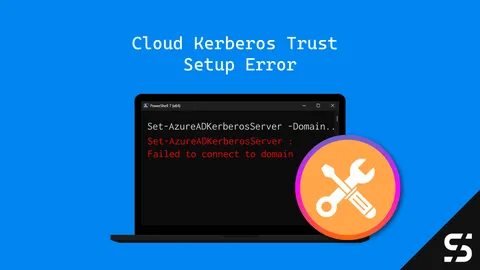
FIX: Set-AzureADKerberosServer : Failed to connect to domain
Here's how to fix the Error Set-AzureADKerberosServer: Failed to connect to domain error when setting up Cloud Kerberos Trust.
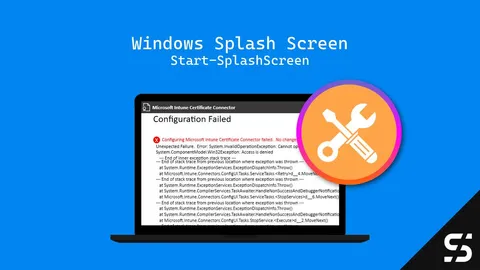
FIX: Configuring Microsoft Intune Certificate Connector Failed?
Configuring Microsoft Intune Certificate Connector Failed? Here's an easy fix: Just run the configuration wizard as administrator!
Handling the New Outlook with Intune
Handle the new Outlook with Intune: Learn how to block, roll back, and deploy the new Outlook with Intune.
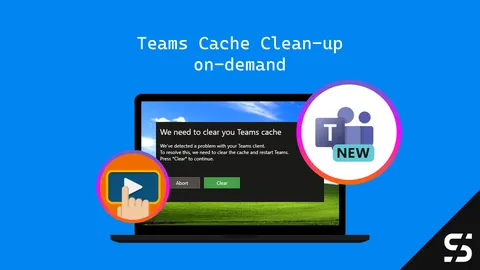
Teams 2.0: Cache cleanup on demand
Clear the cache of the Teams Client from a user with Microsoft Intune on-demand actions. Simple teams Cache cleanup!
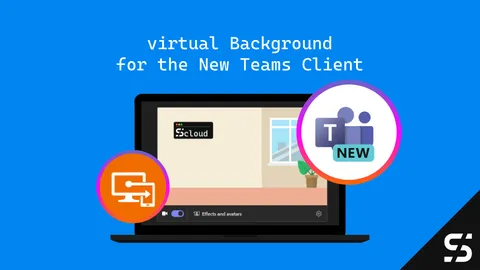
The New Teams: virtual Background with Intune
Learn how to deploy Teams virtual Background with Intune. A step-by-step guide for an easy deployment and update process.
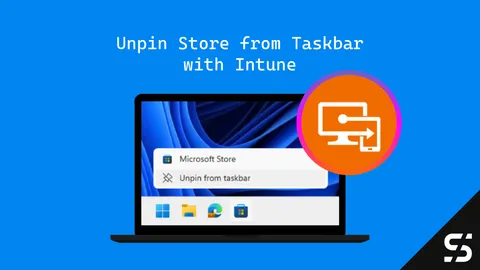
Remove the Microsoft Store from the Taskbar with Intune [UPDATED]
This guide shows you how to unpin / remove the Microsoft Store from the Taskbar using Intune. Choose your method & banish the icon today!
Create Desktop Shortcuts for Windows Apps
Learn how to create Desktop Shortcuts for Windows Apps, manually, with PowerShell and for a central deployment with Intune.

Winget Deployment with PSAppDeployToolkit and Intune
Application deployment with Winget packages using PSAppDeployToolkit and Intune. A how to guide with examples.
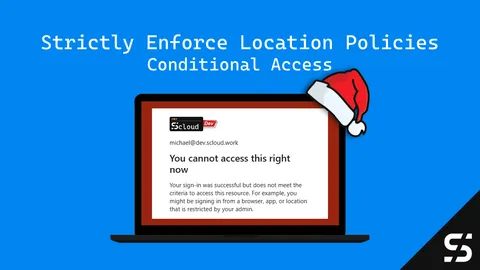
Strictly Enforce Location Policies in Entra ID: A Gift of Secure Access
Secure admin portals with Entra ID Conditional Access 'Strictly Enforcing Location Policies' - protect your admin access from token thefts.
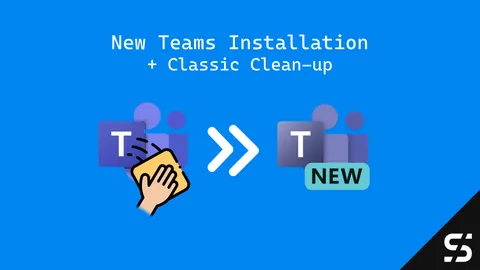
Deploy the NEW Teams Client (and cleanup the classic)
Here's how you can install the new Teams Client via Intune and in the same process you can clean up old / classic Teams installations.
Intune Management Extension Installation: A Deep Dive
Learn how the installation of the Intune Management Extension (IME) works, from prerequisites to troubleshooting over to registry and logs.