
Intune, Entra ID & Windows 365 Blog
All posts
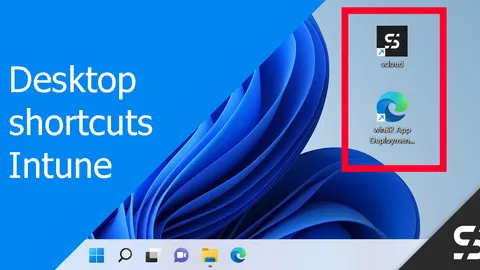
Manage Desktop Shortcut(s) / icon with Intune
Use Intune for crafting/updating desktop shortcuts/icons, incorporating custom icons if preferred. All with a win32 app.
Defender for Business Onboarding / Setup
With a simple setup and onboarding of the devices, Defender for Business offers excellent and affordable endpoint security.
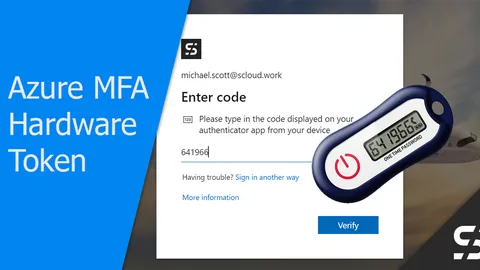
Azure MFA: Return of the Hardware Token (OATH TOTP)
With a hardware token (OATH TOTP), even users without a smartphone or security key can protect themselves with Azure MFA.
win32 App Deployment automated
I automated the win32 app deployment for Microsoft Intune using a CSV, a repo with the files and a PowerShell script.
Pre-Installed PowerShell Modules in Windows Sandbox
Easily install PowerShell modules in Windows Sandbox with WSB and PS1 scripts. AHow to test apps with Windows Sandbox PowerShell Modules.
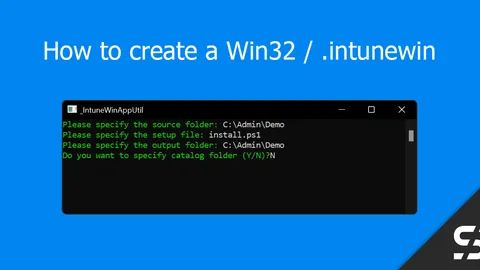
Create Win32 App / .intunewin
To create a Win32 App (intunewin) to upload to Intune is easy with the "Microsoft Win32 Content Prep Tool".
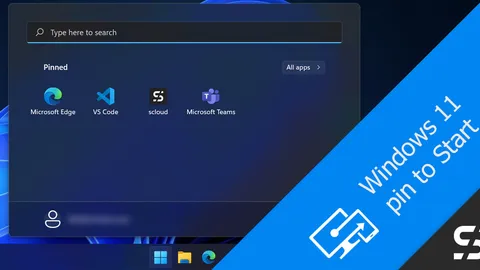
Pin to Start - Windows 11 with Intune
Pin shortcuts in the Windows 11 Start menu with Intune, as the user can do with the "Pin to Start" function.
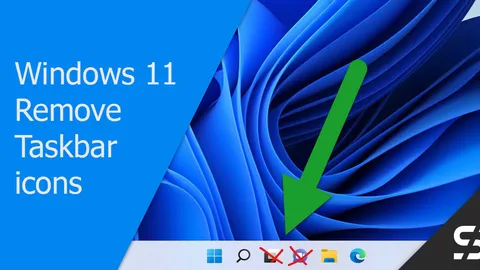
Windows 11 Taskbar - Get rid of widgets and chat
The Windows 11 taskbar ships with Widgets and Teams Chat by default. Here's how I remove them with Intune.
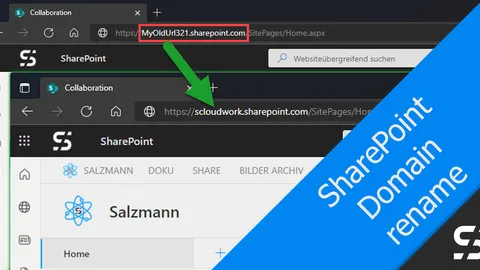
Rename SharePoint Domain/URL
Rename the SharePoint domain to avoid an unwanted or old domain name in the URL's.
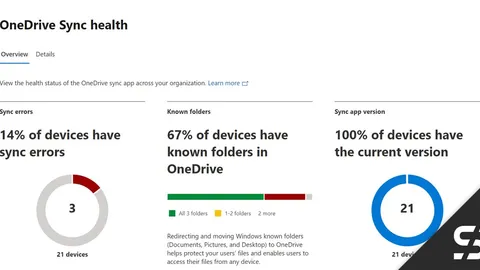
Monitor OneDrive Status - Sync Admin Reports
OneDrive Sync Admin Reports allows you to monitor the OneDrive status of all managed Windows devices in a central view.
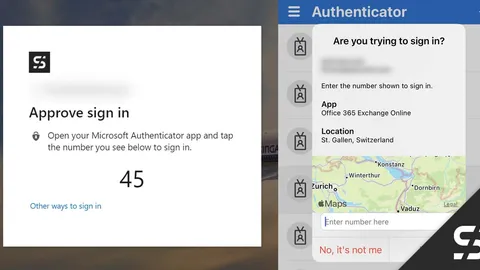
Passwordless with Microsoft Authenticator and Card
With the Microsoft Authenticator, login is realized "passwordless" and the user is presented with a card showing the login location.
The new "Microsoft Teams Essentials" license is here!
Use Microsoft Teams Essentials to get Teams fast, simple, cheap and without any prerequisites. --> No Exchange Online needed!