
Intune, Entra ID & Windows 365 Blog
All posts
Allow users to Uninstall App via Company Portal
Let users uninstall a win32 or Windows Store app via the Microsoft Intune Company Portal on their own, without admin rights.
Introduction to Microsoft Intune
What Microsoft Intune is, how it works and what it covers: device and app management, security features and the first steps to get started.
App update via vendor URL and Remediation
Update with (Proactive) Remediation an App via the Vendor URL and perform the update with a delay if necessary.
Google Chrome Single Sign On (SSO) | Entra ID
Force-install the Microsoft SSO extension for Chrome (ID ppnbnpeolgkicgegkbkbjmhlideopiji) with Intune, or use Chrome's built-in setting, for Entra ID SSO.
Intune Energy Settings - Always ON
Using Intune, set the power installations of Windows devices to "Always On" so that the Windows device does not lock itself.
Manage Default File Associations in Intune for Windows
Learn how to manage default file associations in Intune using the Settings Catalog. No more OMA-URI - just Base64 and done.
Start with Azure Automation & Managed Identity
Build secure Modern Workplace automations with Azure Automation, using a managed identity for authentication.

Wallpaper and Lockscreen with Intune and Business Premium
Distribute the wallpaper and lockscreen with Microsoft 365 Business Premium and a Win32 App in Intune (no Enterprise needed).
Disable Outlook Signature Synchronization
Outlook signature synchronization can be a useful feature, but in certain cases you may want to disable it.
Windows LAPS | Entra ID
Manage and rotate local administrators and their passwords via Entra ID/ Azure AD with Windows LAPS and Intune.
Azure AD Connect - Error: permission-issue 8344
The cause of the "permission-issue" error in Azure AD Connect can have two origins. Either permissions in AD or as an admin.
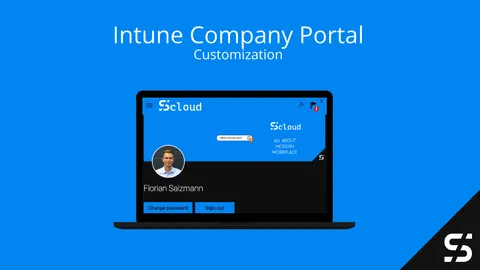
Mastering Microsoft Intune Company Portal Customization
Customize the Intune Company Portal: branding, logo and colors, support contact info, device categories, app sources and which features to hide.