
Security
All posts
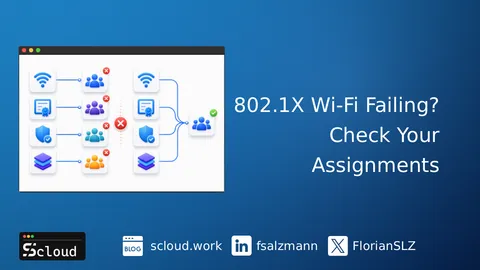
802.1X Wi-Fi Failing? Check Your Certificate Chain
802.1X Wi-Fi failing in Intune? Wi-Fi, Root CA, Intermediate CA and SCEP/PKCS profiles assigned to different groups break the certificate chain.
Protecting Against Device Code Phishing Attacks in Microsoft Entra ID
Learn how to protect your Microsoft Entra ID environment from Device Code Phishing attacks with Conditional Access.
How to Configure Smart Card Authentication in Intune
Set up Smart Card authentication in Intune for secure logins and auto-locking. Step-by-step guide included.
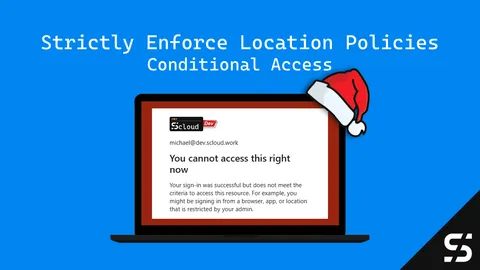
Strictly Enforce Location Policies in Entra ID: A Gift of Secure Access
Secure admin portals with Entra ID Conditional Access 'Strictly Enforcing Location Policies' - protect your admin access from token thefts.
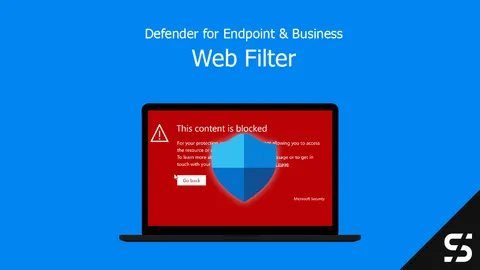
Defender for Endpoint - Web Filter
With Defender for Endpoint and Defender for Business, implement a web filter regardless of location and monitor it centrally.
Point and Print & Intune
Configure Point and Print policies correctly with Intune so shared printers can be deployed and drivers installed.
Microsoft Defender for Business Servers
Protect Windows servers with the Defender for Business Servers license as a standalone variant and manage them with Microsoft Intune.

RunAsRob & Intune - The Part-Time Admin
Use RunAsRob and Intune to run specific programs / directories as admin, without the user being a local administrator.
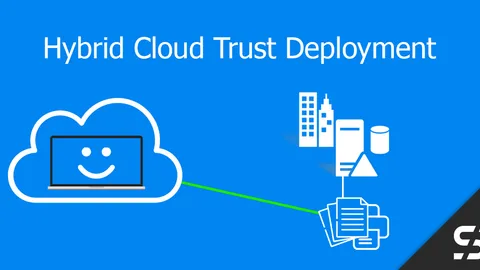
Windows Hello for Business - Cloud Kerberos Trust - Hybrid
Ensure successful authentication and SSO via Kerberos to local resources with the Windows Hello for Business Cloud Trust.
Fix 7-Zip Vulnerability - Proactive Remediation
Counter the 7-Zip vulnerability (CVE-2022-29072) with a Proactive Remediation package in Microsoft Endpoint Manager.

Miracast / Microsoft Wireless Display Adapter not connecting
The Microsoft Wireless Display Adapter / Miracast does not connect? You can fix it with Intune and a Windows Firewall rule.
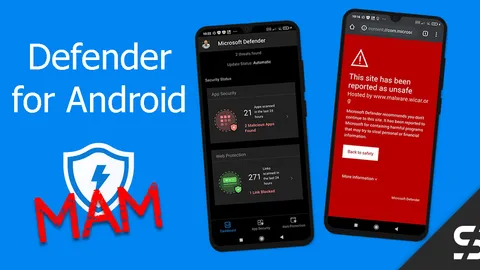
Defender for Business for Android - MAM
With Defender for Business and MAM you protect employees' personal Android devices from malware and with a web filter.
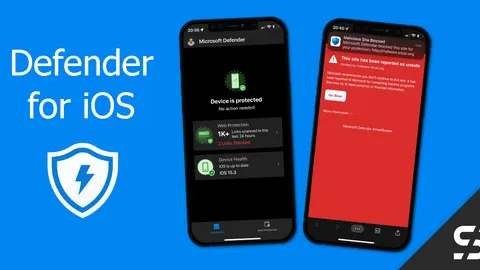
Defender for Business for iOS Deployment - zero-touch
With Defender for Business you can also protect iOS devices like iPhones and iPads, including a web filter. Zero-touch configuration!
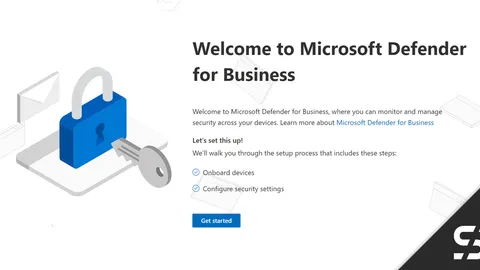
Defender for Business Onboarding / Setup
With a simple setup and onboarding of the devices, Defender for Business offers excellent and affordable endpoint security.
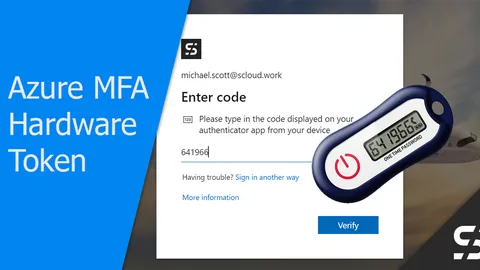
Azure MFA: Return of the Hardware Token (OATH TOTP)
With a hardware token (OATH TOTP), even users without a smartphone or security key can protect themselves with Azure MFA.
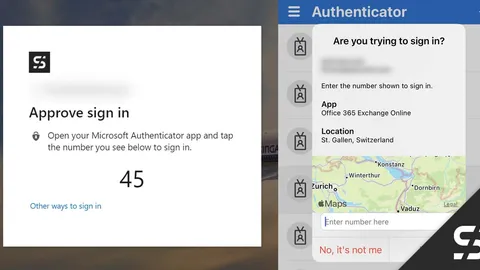
Passwordless with Microsoft Authenticator and Card
With the Microsoft Authenticator, login is realized "passwordless" and the user is presented with a card showing the login location.
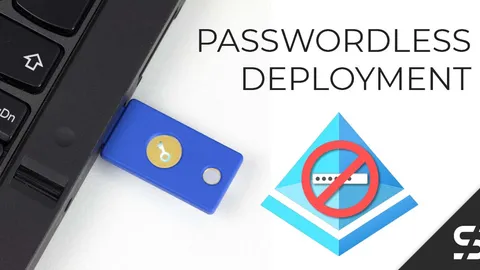
Passwordless Deployment with Security Key - Microsoft 365 Entra ID
How new users can be set up passwordless with a security key and Temporary Access Pass (TAP) for Microsoft 365 Entra ID.
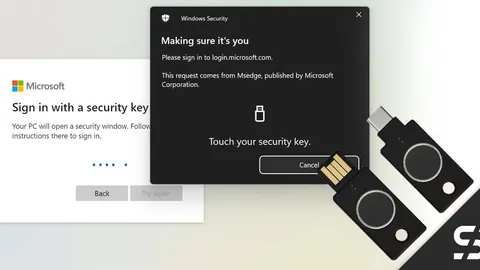
YubiKey Bio - Embrace Passwordless Authentication in Entra ID
Yubikey Bio (FIDO2) for passwordless login to Windows and Microsoft 365 / Entra ID - all with a stick and your own fingerprint.
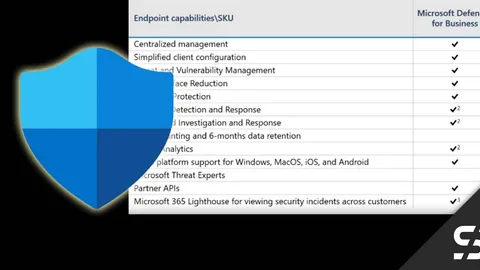
Microsoft Defender for Business
Microsoft Defender for Business, an affordable and excellent next-generation protection for companies with up to 300 employees.
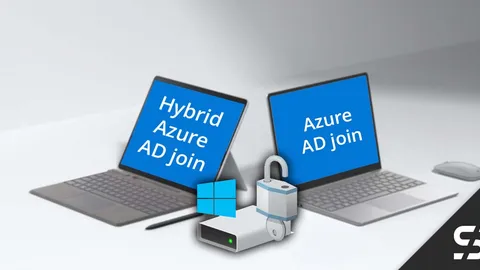
BitLocker: Cloud Only vs. Hybrid
BitLocker doesn't always work the same way on Windows Azure AD only and Azure Hybrid devices. Here's how the Intune policies work.